







Keep the WhatsApp Business app. Add the API.
Your team keeps the app it already knows. Syncli adds a shared inbox, AI agents, approved templates and campaigns on the same number, and brings six months of chats with it.


 100+
Trusted by 100+ brands
 We finished 7th in Cape Town
 Approved by Meta for the official WhatsApp API
 Your customer data handled under SA law


Chat history synced
Same number, same contacts, same conversations
Numbers to change
How coexistence works with Syncli
Four steps, and your number keeps working the whole time.
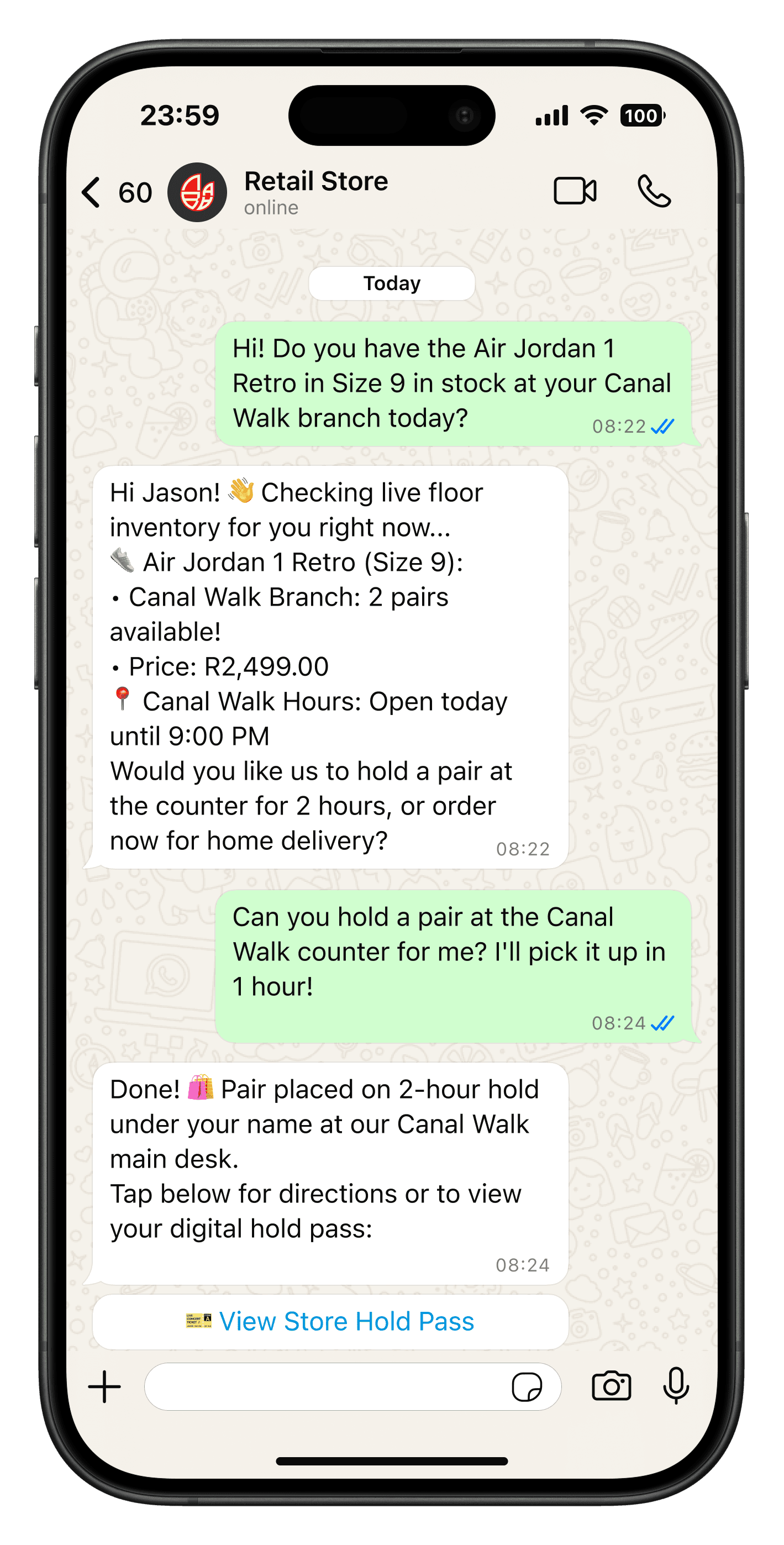
Start on the phone you already use.
Update the WhatsApp Business app on the phone that holds your business number. Meta needs version 2.24.17 or later before the number can connect to the API.
- Keep your existing number
- No new SIM or phone
- Works for South African numbers
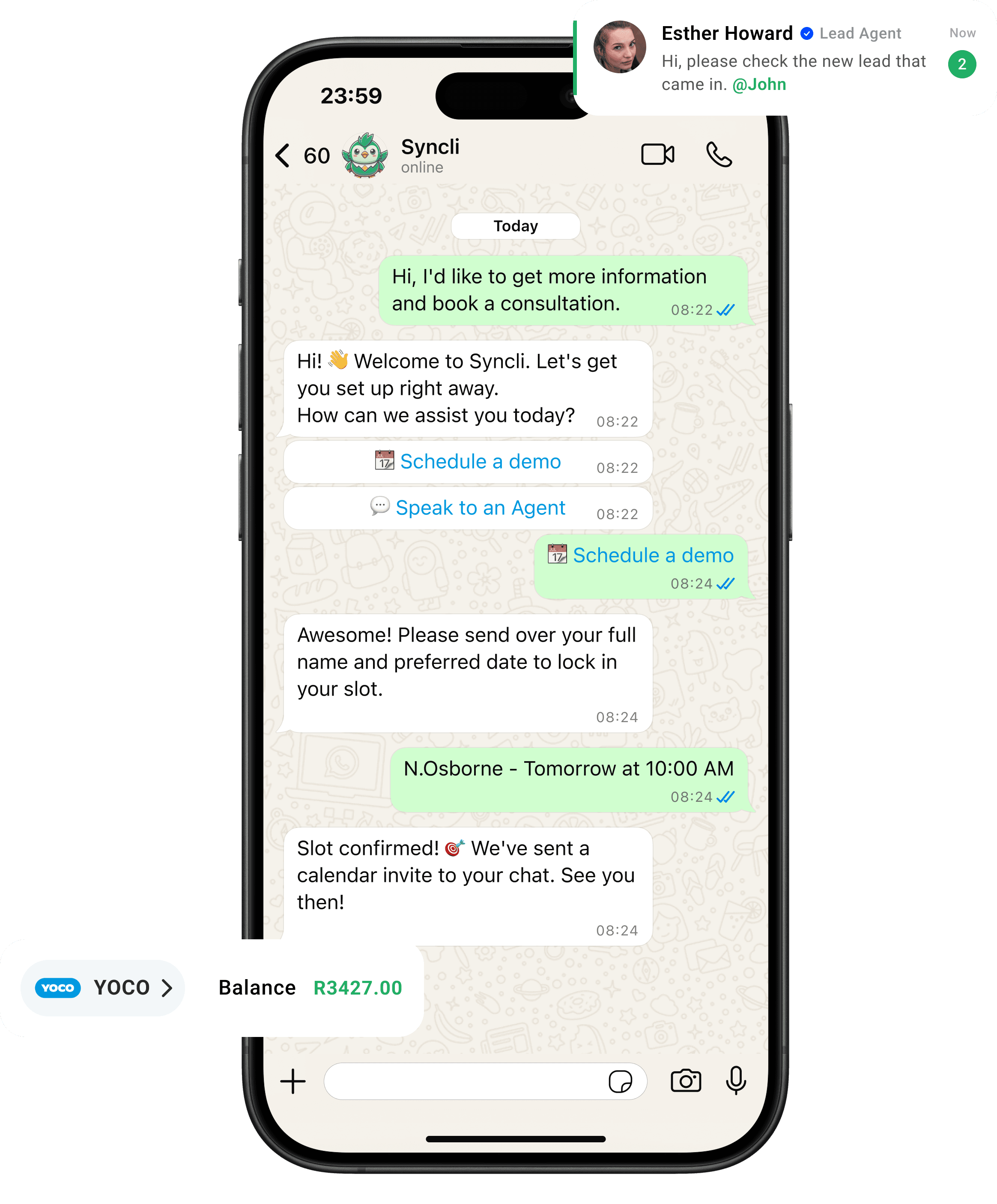
from chat to checkout
The shortest line between 'Hello' and 'Done.'
Your customers are already on WhatsApp, don't send them away to slow contact forms or email threads. Syncli keeps the entire journey inside the chat, making it seamless for leads to qualify, decide, and pay in seconds.
Grow into the API without giving up the app.
Coexistence is the easiest way to move a busy WhatsApp number onto the platform. Nothing changes for your customers, and your team adds tools one at a time.
- Same number and contacts.
- Six months of chats synced.
- App messages stay free.
Chat history brought across

What WhatsApp coexistence is
Until recently, moving a number to the WhatsApp Business API meant taking it off the WhatsApp Business app. Coexistence removes that choice. Meta lets a business connect its app number to the API through a Tech Provider such as Syncli and keep using the app on the same number.
In practice, the owner or a branch manager can keep chatting from the phone, while the wider team, AI agents and automations work from Syncli. Customers see one business, one number and one conversation.
What carries over and what changes in the app
Most of the app keeps working. A few features that don't fit a shared, API-connected number are switched off. This is Meta's list:
| In the WhatsApp Business app | After connecting |
|---|---|
| Calls, catalog, orders and status | No change |
| Greeting and away messages, quick replies, labels | No change |
| Business profile and channels | No change |
| Group chats | Keep working in the app, but aren't synced to the API |
| Broadcast lists | Switched off. Existing lists become read-only |
| Disappearing messages, view once, live location | Switched off in one-to-one chats |
| Linked devices | Relinked after connecting. WhatsApp for Windows and Wear OS aren't supported |
Broadcasts move to Syncli, where you send approved templates to opted-in segments instead. See WhatsApp bulk messaging.
What it costs
Messages you send from the WhatsApp Business app stay free. Messages sent through the API, from Syncli, are charged at Meta's normal rates, and app messages don't open or extend API conversation windows. From 1 October 2026 a marketing message to a South African number costs $0.0379 and a utility message $0.0095.
Syncli passes Meta's fees on at cost. Price your own volumes in the WhatsApp pricing calculator, or read the WhatsApp API pricing guide for South Africa.
Limits to know before you connect
- 20 messages a second. Meta fixes throughput for coexistence numbers at 20 messages per second. That's plenty for conversations and most campaigns, but not for very large time-critical sends.
- Keep the phone active. Meta disconnects the number if the phone with the app is inactive for about 14 days, or a linked device for about 30 days.
- Groups stay in the app. Group chats aren't synced and can't be used through the API.
- Messaging limits still apply. Messages you start from Syncli count towards your Meta messaging limit, which begins at 250 people a day and grows with good quality.
Is coexistence right for your team?
Coexistence suits teams where someone still wants the app on their phone: an owner who answers VIP clients, branch managers on the floor, or a business moving to the API one step at a time.
If nobody needs the app any more, or you send large campaigns that need more than 20 messages a second, a full move to the API is simpler. Our guide to the WhatsApp Business app vs API walks through the choice, and the coexistence explainer covers every detail.
Connect your WhatsApp Business app to Syncli.
Book a 30-minute call. We'll check your number, walk through what changes in the app and get you connected.

- Number eligibility check
- Guided connection
- No commitment
FAQs
Questions about WhatsApp coexistence.
Coexistence lets you connect a number that runs on the WhatsApp Business app to the WhatsApp Business API, and keep using the app on that same number. Messages are mirrored, so a chat answered on the phone shows in Syncli and the other way round.
Compare
Business app only vs coexistence with Syncli
 Business app only