







Your whole team on one WhatsApp Business number
Sales, support and every branch answer from the same number, each with their own login. Chats are assigned, nothing gets answered twice, and customer history stays with the business when people move on.


 100+
Trusted by 100+ brands
 We finished 7th in Cape Town
 Approved by Meta for the official WhatsApp API
 Your customer data handled under SA law


WhatsApp open rate
Customers read WhatsApp, so answer them there as a team
Faster first response
How teams share one number in Syncli
Built for teams answering WhatsApp across shifts, branches and departments.
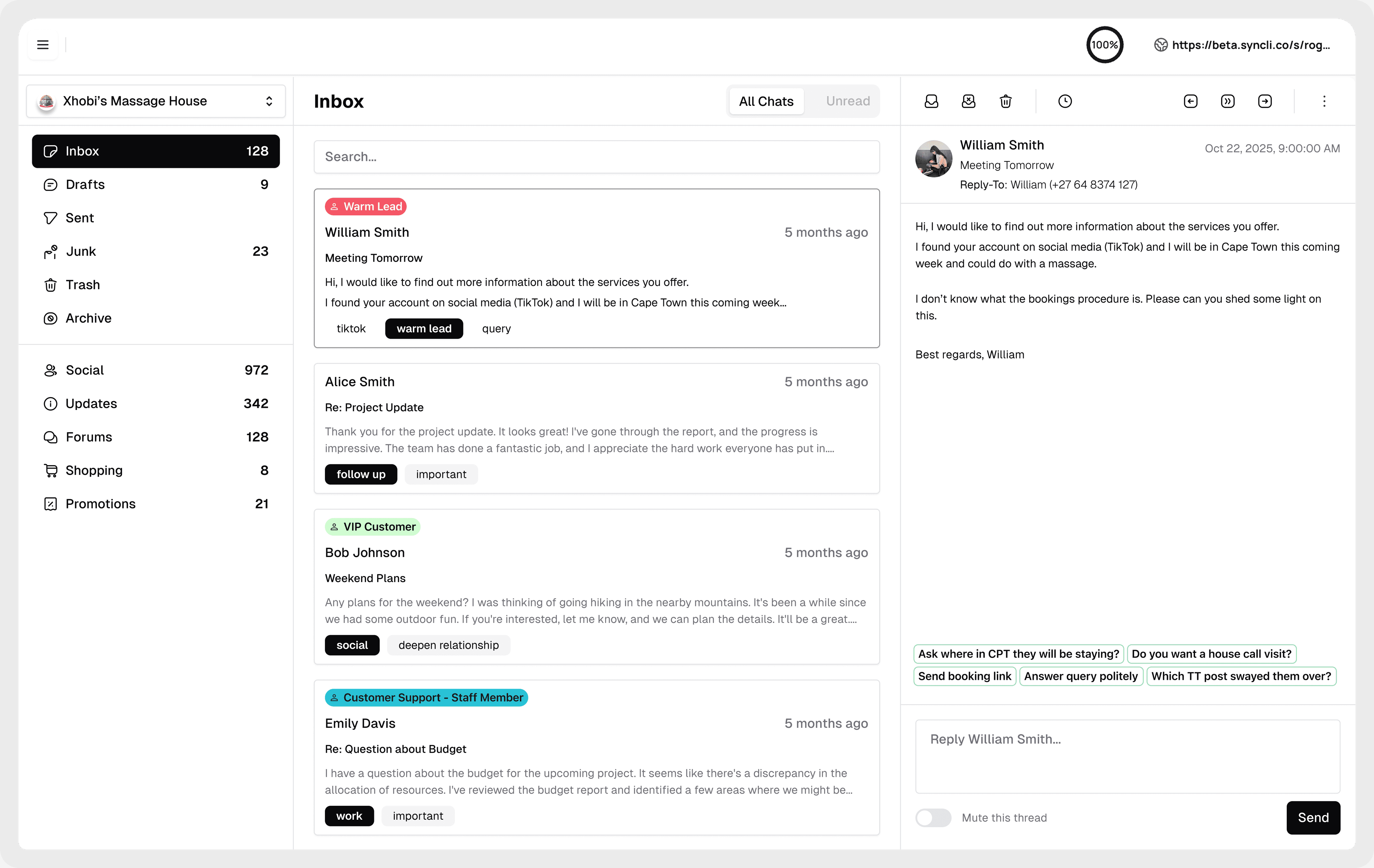
Everyone gets their own login.
Add as many people as you need. Every plan includes unlimited seats, with admin and agent roles, so managers set things up and agents get on with answering.
- Unlimited seats on every plan
- Admin and agent roles
- Desktop and mobile


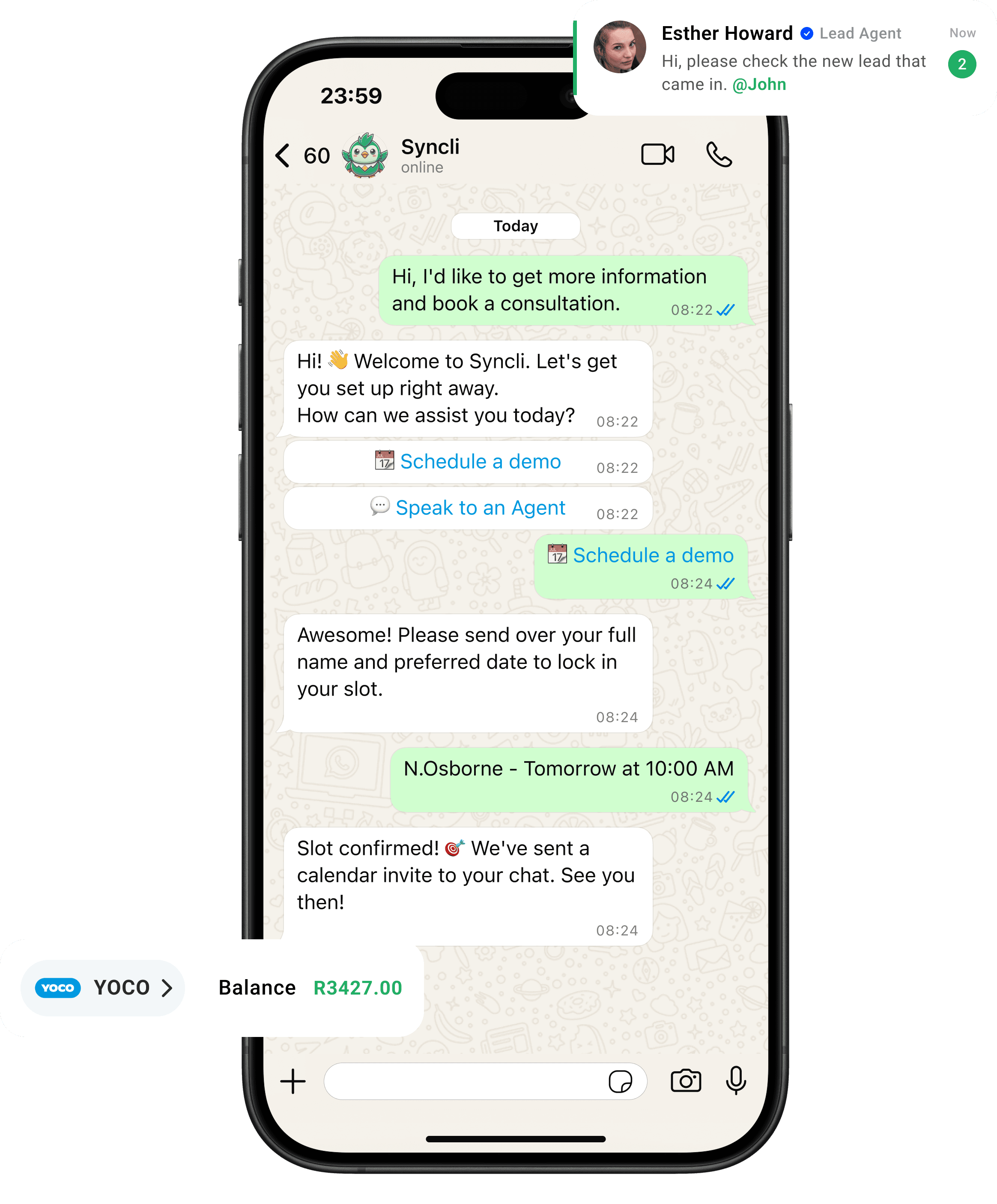
from chat to checkout
The shortest line between 'Hello' and 'Done.'
Your customers are already on WhatsApp, don't send them away to slow contact forms or email threads. Syncli keeps the entire journey inside the chat, making it seamless for leads to qualify, decide, and pay in seconds.
One number instead of a drawer of phones.
When WhatsApp lives on individual phones, chats get missed, nobody knows who replied, and customer history leaves when a staff member does. Multiple users on one inbox fixes all three.
- Every chat assigned.
- Every reply on record.
- Every customer's history kept.
WhatsApp open rate

Three ways to put more than one person on a WhatsApp Business number
- Linked devices on the Business app. Free, and fine for two or three people. But everyone shares one account, so you can't see who replied, assign chats or limit access, and it stops working well once a team grows.
- Coexistence. Keep the app on the owner's phone and add the API on the same number, so the team works from Syncli while the phone keeps working. Good for moving over gradually.
- A shared inbox on the WhatsApp Business API. Every agent has their own login, chats are assigned and routed, and history belongs to the business. This is what teams of five, fifty or five hundred use.
The API is used through a platform such as Syncli, an official Meta Tech Provider. Read WhatsApp Business app vs API to see whether your team has outgrown the app.
Roles and permissions
Every Syncli plan includes admin and agent roles. Admins manage the number, templates, teams and settings. Agents answer the chats routed to them. Teams can be kept separate, so a branch only sees its own customers.
On Enterprise, full role-based access control, single sign-on and personal information masking let you decide exactly who can see and do what, which matters for regulated teams handling health, finance or ID data.
What it costs
There are no per-user fees. Every plan includes unlimited seats, so adding a new agent or a whole branch doesn't change your bill. Pro is a flat R1,800 a month excluding VAT, Business starts at R5,300 a month and adds AI agents and free onboarding, and Enterprise is custom. See pricing.
Meta's per-message fees are separate and don't depend on how many people use the inbox. Our WhatsApp API pricing guide for South Africa explains them.
Signs your team needs multiple users
- Customers wait because the person with the phone is busy, off shift or on leave.
- Two people answer the same customer, or nobody does.
- Managers can't see response times or who handled what.
- Customer history disappears when a staff member leaves with their phone.
- Branches or departments share one number and step on each other's chats.
If two or more of these sound familiar, a shared inbox will pay for itself quickly. See how it works on the team inbox page.
Put your team on one WhatsApp number.
Book a 30-minute call and we'll show you how to set up users, roles and routing for your teams and branches.

- Users and roles set up with you
- Routing for your branches
- No commitment
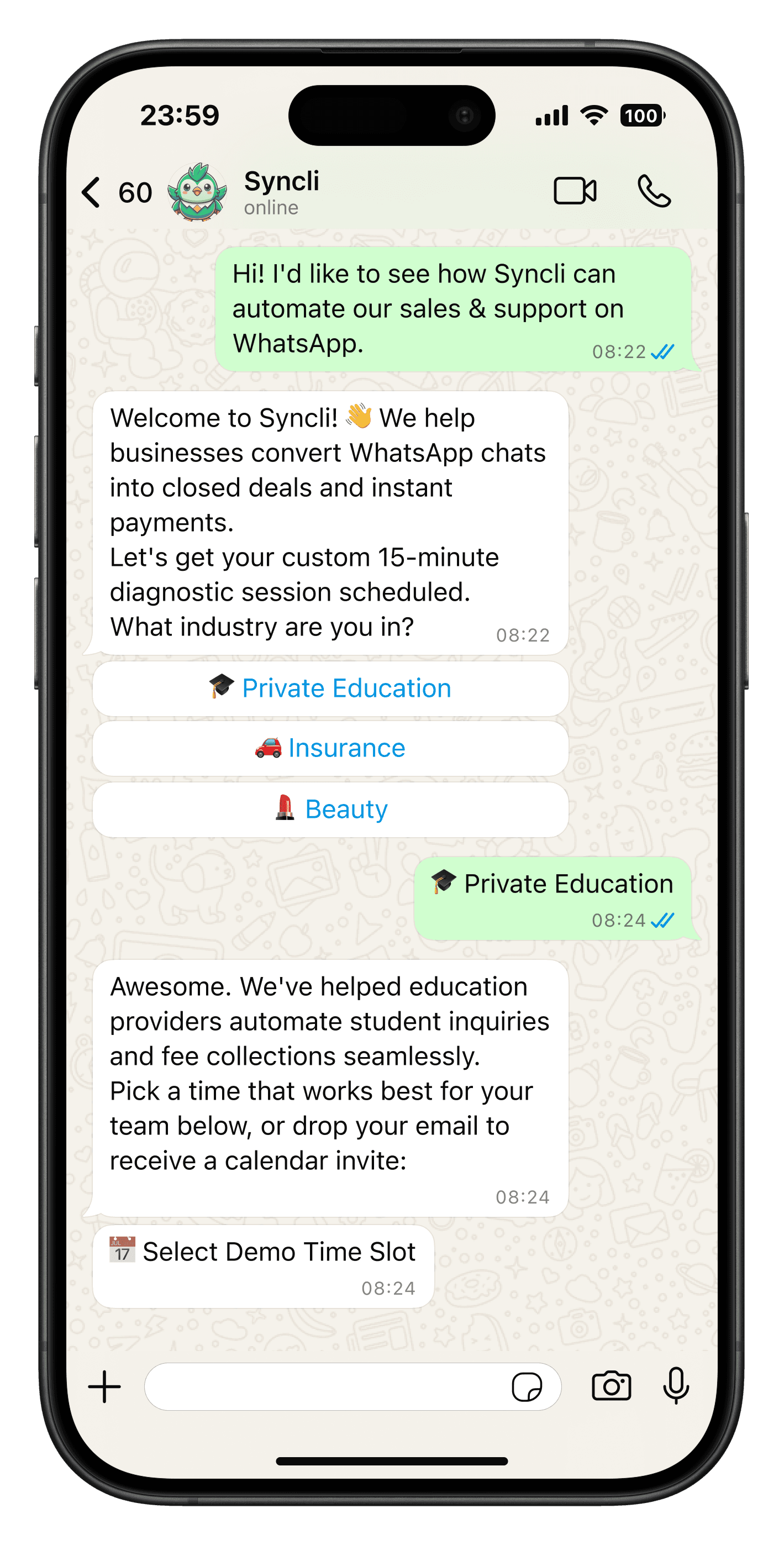
FAQs
Questions about WhatsApp Business multiple users.
Yes. On the WhatsApp Business app, a few linked devices can share one account, but everyone uses the same login. On the WhatsApp Business API through Syncli, any number of people answer the same number, each with their own login, with chats assigned and routed between them.
Compare
WhatsApp Business app vs Syncli for multiple users
 WhatsApp Business app