





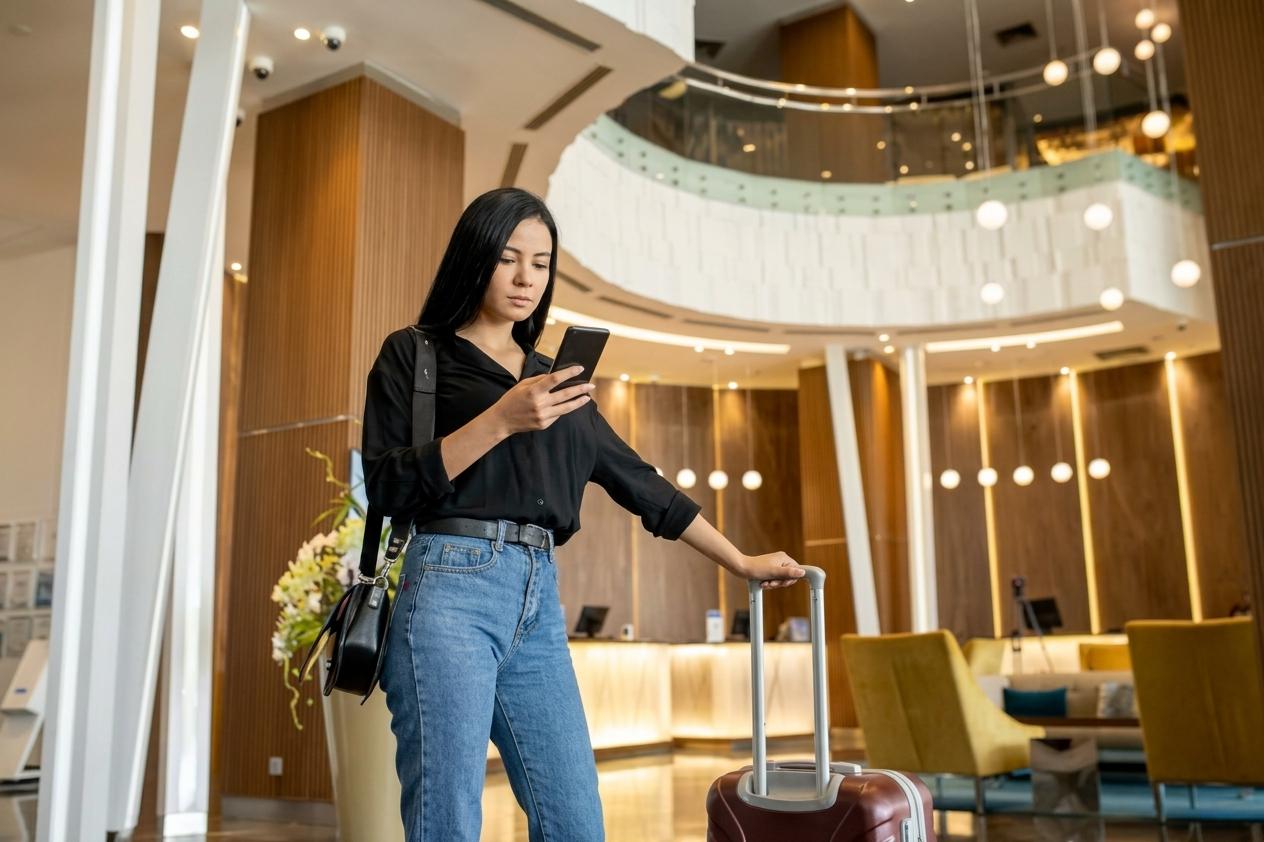

Bulk messages people open, answer and pay from
Send offers, reminders and updates to thousands of opted-in customers on the official WhatsApp API. Replies land in your team inbox, and customers can order and pay in the same chat.


 100+
Trusted by 100+ brands
 We finished 7th in Cape Town
 Approved by Meta for the official WhatsApp API
 Your customer data handled under SA law

Open rate
Bulk messages on WhatsApp get read. Most email doesn't.
More replies than email
How a campaign runs in Syncli
Four steps, from building the list to the money landing in your account.
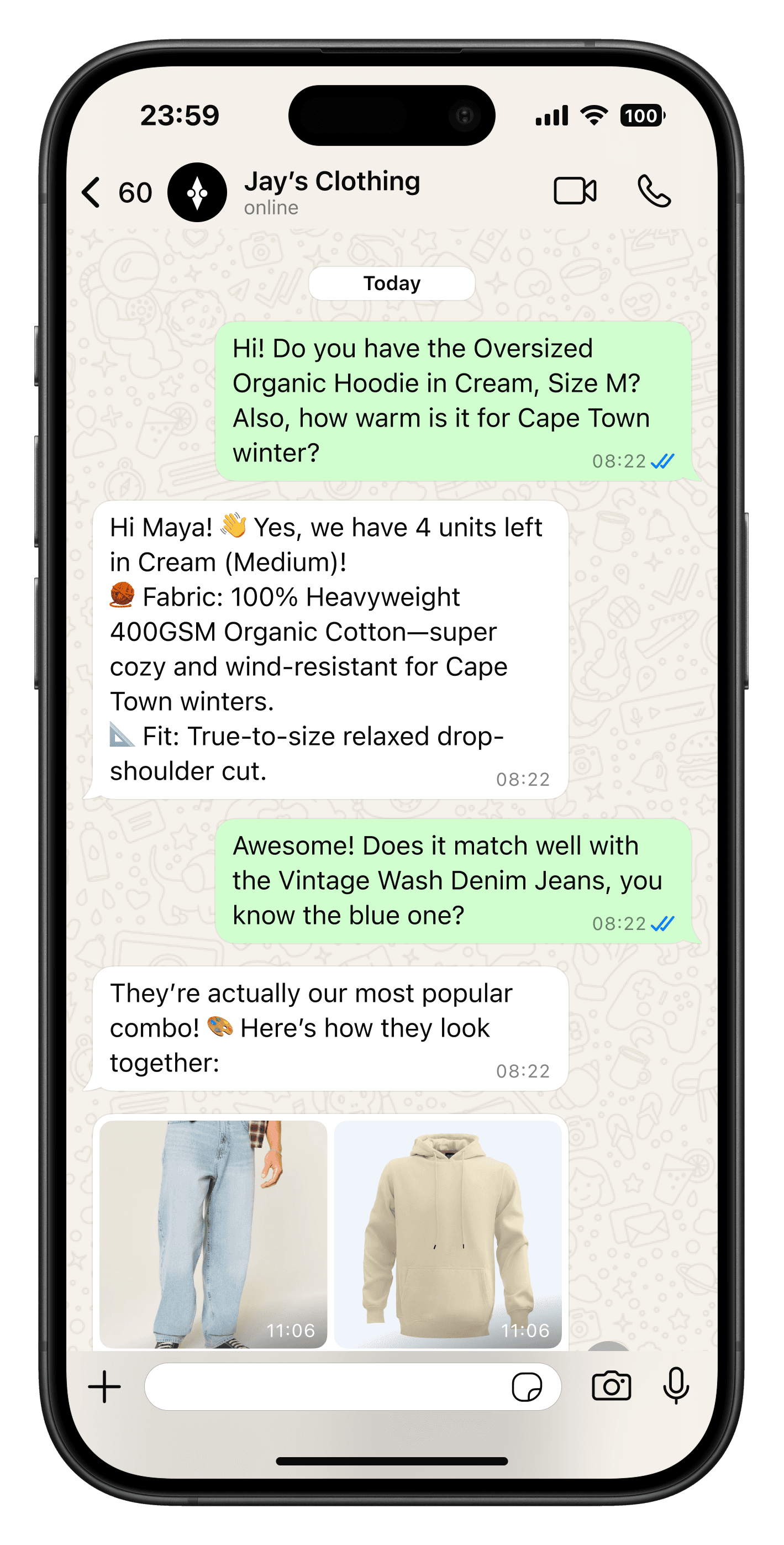
Start with people who said yes.
Collect opt-ins from your website, checkout, in-store QR codes and Click-to-WhatsApp ads, or import a list of customers who have already agreed to hear from you.
- Opt-ins from web, store and ads
- Bulk contact import
- Opt-outs handled for you

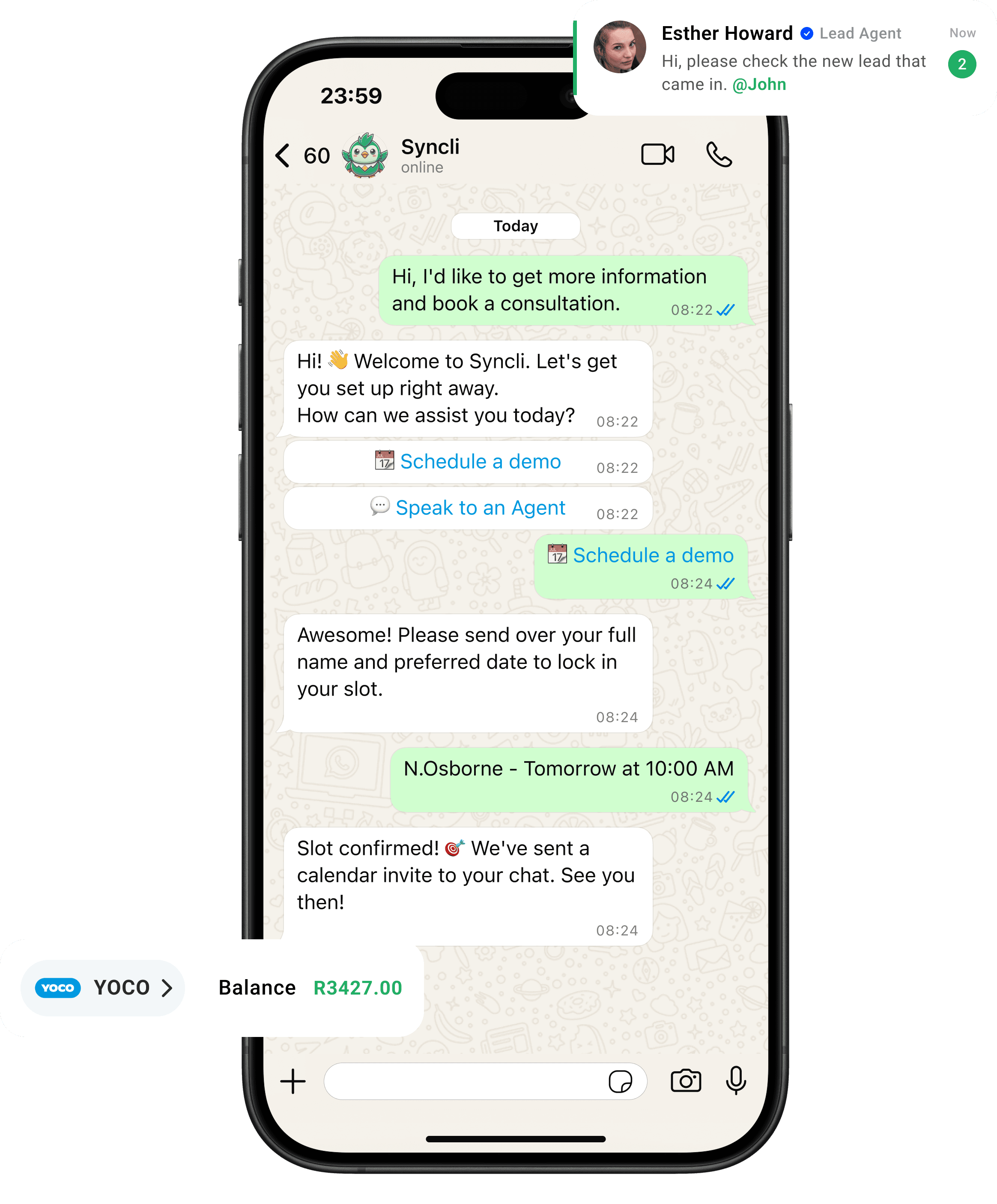
from chat to checkout
The shortest line between 'Hello' and 'Done.'
Your customers are already on WhatsApp, don't send them away to slow contact forms or email threads. Syncli keeps the entire journey inside the chat, making it seamless for leads to qualify, decide, and pay in seconds.
Messages that get read.
A WhatsApp campaign arrives next to messages from friends and family, not in a crowded promotions tab, and customers can answer it in one tap.
- Opted-in customers only.
- Replies handled by your team and AI.
- Order and pay in the same chat.
WhatsApp open rate

What a WhatsApp bulk message actually is
On the WhatsApp Business API, a bulk message is the same pre-approved template sent to many customers at once. Meta calls it a broadcast. Each copy arrives as a private one-to-one chat, so nobody sees who else got it, and every reply comes back to you alone.
Because each send starts a conversation, the template has to be approved by Meta first, and every person on the list has to have opted in. Inside the 24 hours after a customer messages you, your team can reply freely. Outside that window, templates are the only way to reach them.
What it costs in South Africa
Meta charges per delivered message, by message category. These are the South African rates from 1 October 2026, with rand at an example R18 to the dollar:
| Category | Typical use | Per message (USD) | About (ZAR) |
|---|---|---|---|
| Marketing | Offers, launches, win-backs | $0.0379 | R0.68 |
| Utility | Order, booking and payment updates | $0.0095 | R0.17 |
| Authentication | One-time passcodes | $0.0095 | R0.17 |
So a promotion to 10,000 opted-in customers costs about $379 in Meta fees, roughly R6,800. A delivery update to the same 10,000 people costs about $95. That gap is why it pays to send updates as utility messages and keep marketing sends targeted.
Syncli passes Meta's fees on at cost, with no markup. Try your own numbers in the WhatsApp pricing calculator, or read the full WhatsApp API pricing guide for South Africa.
How many people you can message
Meta caps how many different people your business can start conversations with in a rolling 24 hours. The limit covers every number in your Meta business portfolio together, not each number on its own.
- 250 a day when you start.
- 2,000 a day once your business is verified, or after 2,000 delivered template messages of good quality within 30 days.
- 10,000, then 100,000, then unlimited. Meta moves you up automatically while your quality stays high and you use at least half of your current limit in a week.
There's a second, quieter cap. Meta limits how many marketing messages any one person receives from businesses, based on how they engage. It doesn't publish the number. If a send is held back, wait at least a day before trying that person again. Our guide to sending bulk messages without getting your number restricted covers both limits in detail.
The rules that keep your number safe
- Opt-in first. Meta requires it, and so does POPIA for direct marketing. Keep a record of when and where each person agreed.
- No bought or scraped lists. People who don't know you block and report, and reports drag your quality rating down.
- Templates only, outside the 24-hour window. Free-text blasts aren't possible on the official API.
- An easy way out. Add an opt-out button. A customer who taps it is better than one who reports you.
- Right category. Promotions are marketing, even when they're wrapped in an update. Meta re-categorises templates that get this wrong.
Bulk messages vs Click-to-WhatsApp ads
They do different jobs. Click-to-WhatsApp ads find new people: someone taps your Facebook or Instagram ad and a chat opens. Because the customer starts that chat, it isn't limited by your messaging tier, and Meta doesn't charge for your messages for up to 7 days after they reply.
Bulk messages bring back people who already know you: past buyers, booked clients, leads who went quiet. Most teams use ads to grow the opted-in list and broadcasts to sell to it. See how that works on the WhatsApp for marketing page.
Plan your first WhatsApp campaign with us.
Book a 30-minute call. We'll look at your list, your messaging limit and your first template, and tell you what a send will cost.

- Template and segment review
- A cost estimate in rand
- No commitment
FAQs
Questions about WhatsApp bulk messaging.
On the official API, a new business can start conversations with 250 different people in a rolling 24 hours. That rises to 2,000 once your business is verified, then to 10,000, 100,000 and unlimited as long as your quality rating stays high and you use at least half your limit in a week. The limit is shared by every number in your Meta business portfolio. The WhatsApp Business app caps each broadcast list at 256 contacts.
Compare
WhatsApp Business app broadcasts vs Syncli
 Business app