







Connect WhatsApp to the CRM your team already uses
Syncli keeps Salesforce, HubSpot, Zoho CRM or Pipedrive up to date with every WhatsApp lead and conversation, so reps work in the inbox and managers see it all in the CRM.


 100+
Trusted by 100+ brands
 We finished 7th in Cape Town
 Approved by Meta for the official WhatsApp API
 Your customer data handled under SA law


Conversion rate
Buyers who chat convert far more often than buyers who browse
Faster sales cycle
How the CRM integration works
Four steps, and nobody copies a chat into the CRM again.
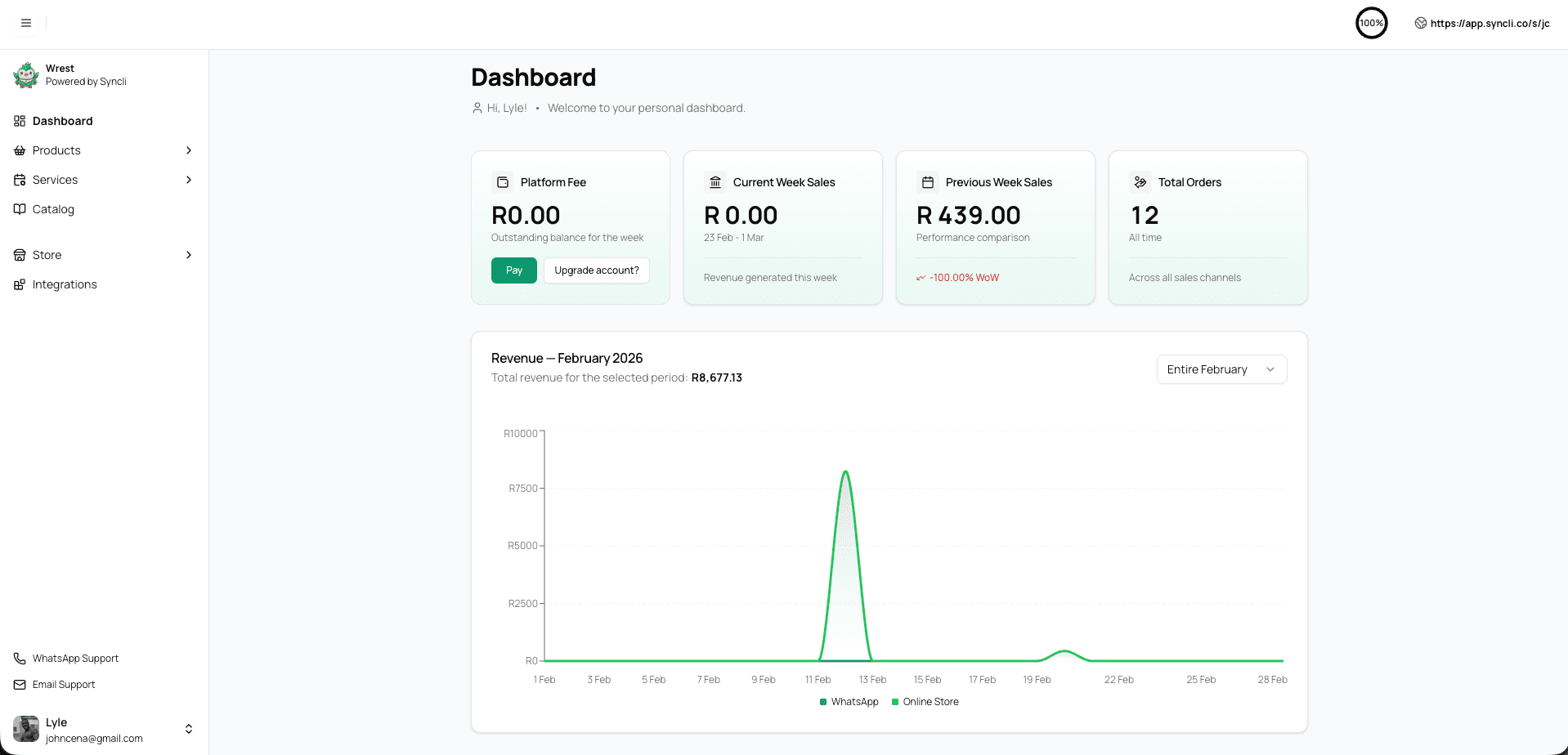
Connect once, with our team.
Link your CRM account to Syncli during onboarding, and our team helps you decide what should sync for the way your reps work.
- Salesforce, HubSpot, Zoho CRM, Pipedrive
- Set up with our onboarding team
- No developer needed

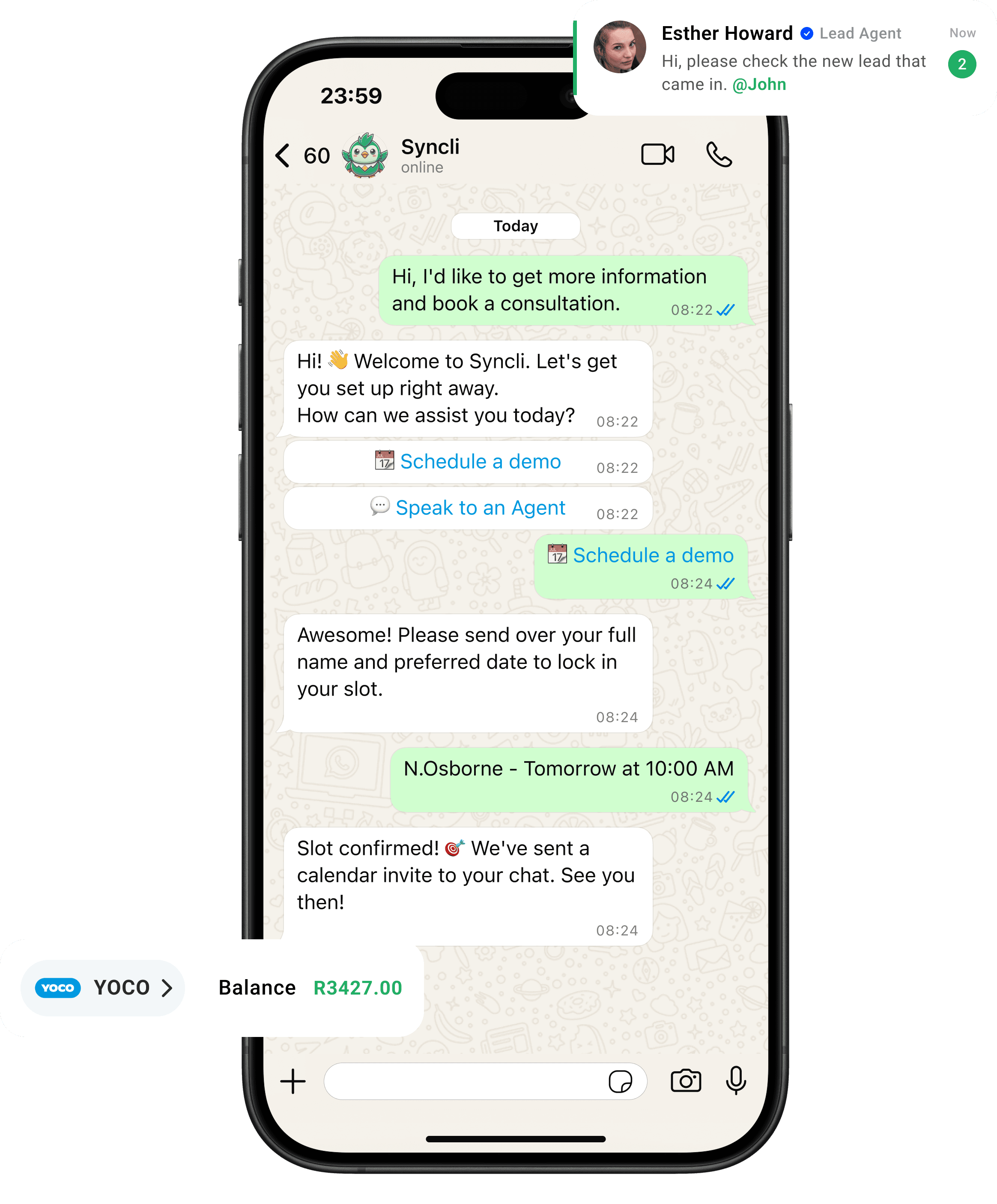
from chat to checkout
The shortest line between 'Hello' and 'Done.'
Your customers are already on WhatsApp, don't send them away to slow contact forms or email threads. Syncli keeps the entire journey inside the chat, making it seamless for leads to qualify, decide, and pay in seconds.
Stop copying chats into the CRM.
When WhatsApp sits outside the CRM, leads go unrecorded, pipeline reports undercount the channel and follow-ups slip. Connecting the two closes that gap.
- Every lead recorded.
- Every conversation on the record.
- Reporting that includes WhatsApp.
Conversion from chat

Supported CRMs
| CRM | What Syncli does |
|---|---|
| Salesforce | Creates or updates contacts and leads, and logs WhatsApp conversations against the record |
| HubSpot | Creates or updates contacts and leads, and logs WhatsApp conversations against the record |
| Zoho CRM | Creates or updates contacts and leads, and logs WhatsApp conversations against the record |
| Pipedrive | Creates or updates contacts and leads, and logs WhatsApp conversations against the record |
Every CRM is set up differently, so we confirm what syncs for your setup during onboarding. See all of Syncli's integrations, including Yoco, Payfast and Paystack payments.
No CRM yet? Syncli has one built in
Plenty of teams run WhatsApp sales and support without a separate CRM. Every Syncli contact keeps their full conversation history, orders, bookings and payments, with tags and internal notes from your team, and you can segment contacts for campaigns. See the team inbox and CRM page.
Custom integrations
Enterprise plans include custom integrations and automations with your own systems, such as an in-house CRM, a booking system or order management. Talk to sales about what you need.
What to sync, and what to leave in the inbox
- Sync the contact and the lead. Name, number, source and owner are what sales managers report on.
- Log the conversation, not every emoji. A clear record on the contact is more useful than thousands of separate activities.
- Keep the replying in Syncli. The inbox has the WhatsApp tools: templates, AI agents, payment links and assignment. The CRM is where you report.
- Respect consent. Only market to contacts who opted in to WhatsApp messages, wherever the record lives. Our guide to avoiding a WhatsApp ban explains why.
Connect WhatsApp to your CRM.
Book a 30-minute call. Tell us which CRM you use and we'll show you what syncs and how your reps will work.

- What syncs for your CRM
- Guided setup
- No commitment
FAQs
Questions about WhatsApp CRM integrations.
Salesforce, HubSpot, Zoho CRM and Pipedrive. Syncli creates or updates contacts and leads from WhatsApp and logs conversations against the matching record. Enterprise plans add custom integrations with other systems.
Compare
Copying chats by hand vs Syncli's CRM integration
 By hand