







WhatsApp catalogue and storefront connected to checkout
Share your products in the chat, keep stock in sync and let customers order and pay without being sent to a website.

Conversion rate
Buyers who chat convert far more often than buyers who browse
Faster sales cycle
How the Syncli catalogue works
Everything a customer needs to buy, inside one conversation.
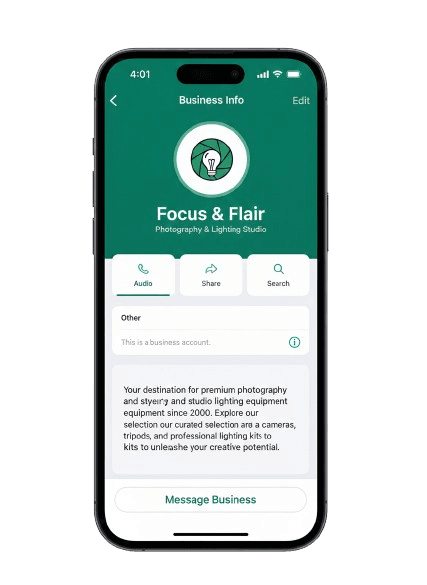
A shop window in the chat.
Products, prices and options in a storefront customers open from WhatsApp, with no limit on how many products you list.
- Unlimited products
- Shareable storefront link
- Import an existing catalogue


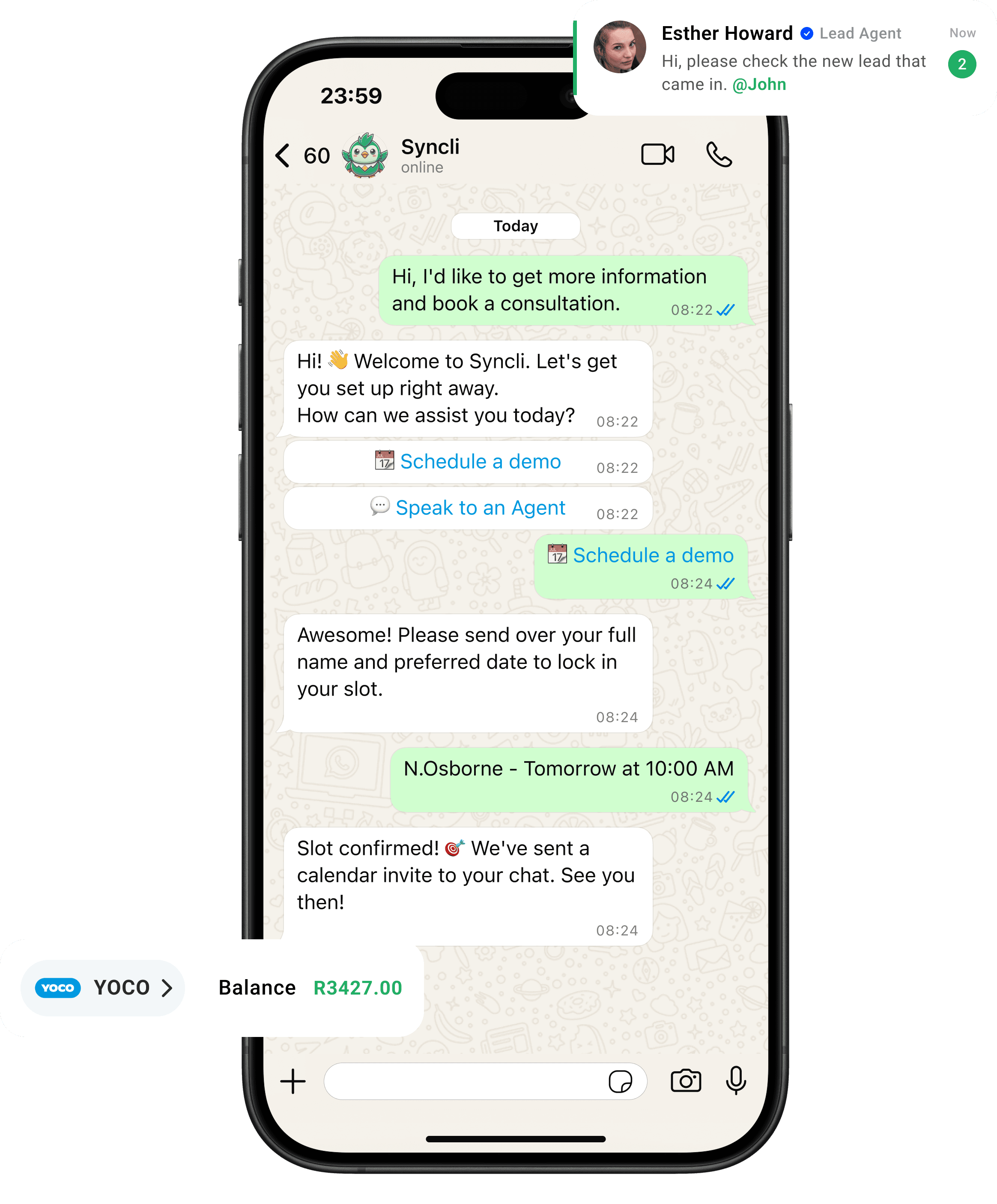
from chat to checkout
The shortest line between 'Hello' and 'Done.'
Your customers are already on WhatsApp, don't send them away to slow contact forms or email threads. Syncli keeps the entire journey inside the chat, making it seamless for leads to qualify, decide, and pay in seconds.

Sell where your buyers already are.
Sending a WhatsApp buyer to a website adds steps and loses sales. A catalogue in the chat keeps them in the conversation from first question to payment.
- Browse in the chat.
- Pay in the chat.
- Stock always up to date.
Conversion rate

What is a WhatsApp catalogue?
A WhatsApp catalogue is a list of your products and prices that customers can browse from a WhatsApp chat. The free WhatsApp Business app includes a basic catalogue of up to 500 items, but it isn't connected to your stock or to checkout, so every order still needs someone to confirm availability and send payment details by hand.
Syncli's catalogue runs on the WhatsApp Business API and works as a full storefront: unlimited products, stock that updates with each order, and payment links sent automatically when the customer checks out.
Built for retailers and distributors at volume
For retail chains, e-commerce brands and wholesalers, WhatsApp often brings in more enquiries than the website, but each one turns into a manual order. The Syncli catalogue removes that work:
- Product questions are answered by the AI agent, which checks stock first.
- Orders are built in the chat and paid with a link, then appear in the customer's record.
- Delivery fees and options are added to the order, and customers get automatic updates.
- Repeat sales come from broadcasts to customers who bought before, segmented by order history.
If you already have a website, Syncli complements it. You can import your existing product catalogue and use WhatsApp as a faster, more personal checkout.
Furniture, footwear and high-consideration products
Customers buying furniture, appliances, footwear or other considered purchases usually have questions before they pay: sizes, colours, delivery dates, finance. Answering those in WhatsApp, then sending the order and payment link in the same chat, keeps the buyer from drifting off to a competitor's site. Your whole sales team can work the same number from the shared inbox.
Plans and pricing
The online store, unlimited products and automated order notifications are included on every plan, from R1,800/month. Syncli takes no cut of your sales. See pricing.
See your catalogue selling on WhatsApp.
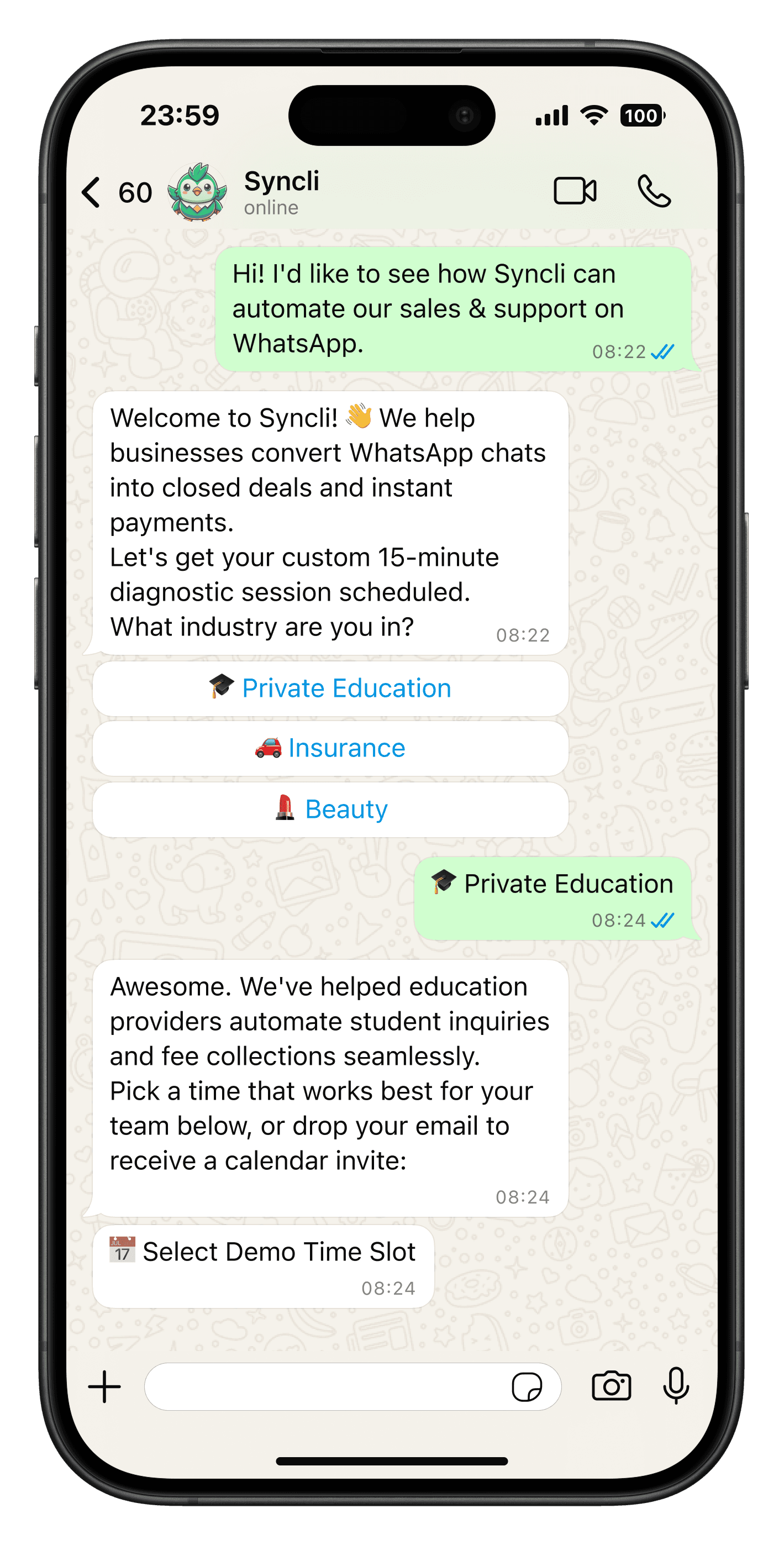
Book a 30-minute call and we'll show you the storefront, stock sync and checkout with your own products.
- Personalised walkthrough
- Catalogue import options
- No commitment
FAQs
Questions about WhatsApp catalogue.
As many as you need. Every Syncli plan includes unlimited products. The free WhatsApp Business app's catalogue is limited to 500 items.
Compare
Syncli catalogue vs the WhatsApp Business app catalogue
 WhatsApp Business app