WhatsApp Business for Golf Clubs
Let golfers book tee times, pay green fees and get club updates on WhatsApp instead of calling the pro shop.

Tee time bookings
Golfers book faster in a chat than on the phone to the pro shop
Fewer empty tee times
How golf clubs use Syncli
From tee times to competitions and the halfway house, keep members and visitors connected on WhatsApp.
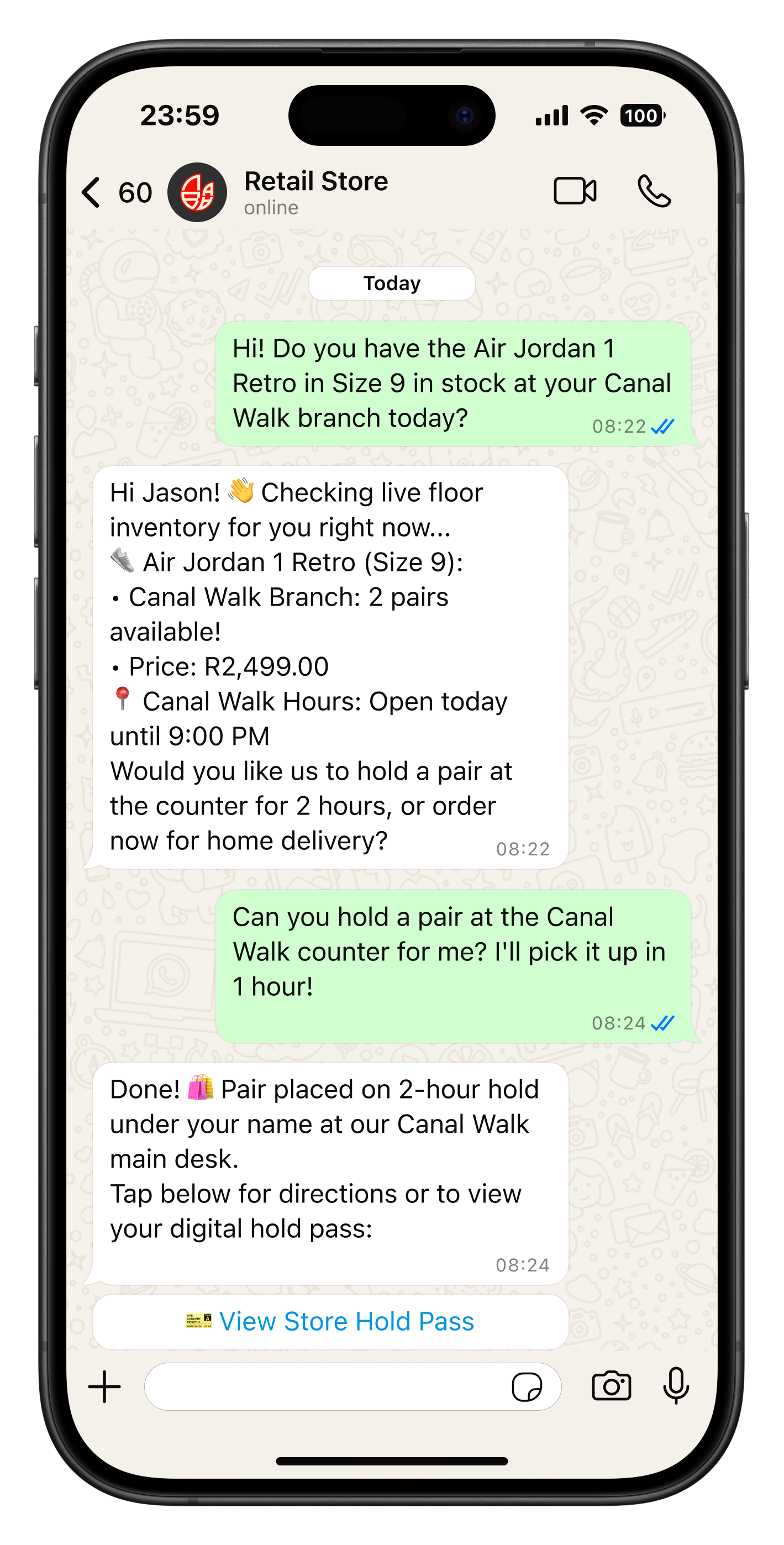
Every visiting four-ball, answered.
Visitors and corporate groups get green fees, availability and dress code instantly, and your team gets the lead with all the details.
- Green fee and availability info
- Corporate and group enquiries
- Leads saved to contacts


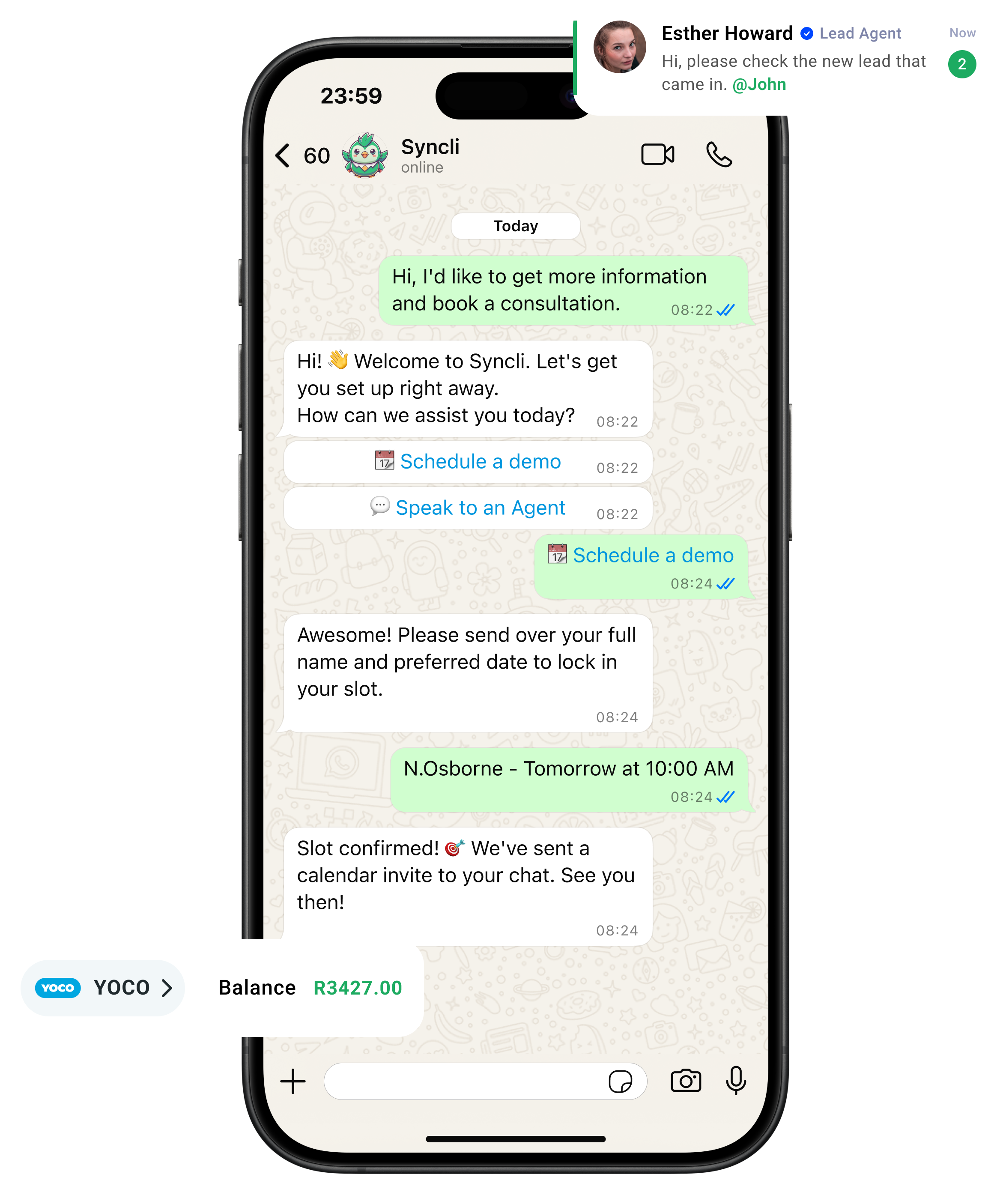
from chat to checkout
The shortest line between 'Hello' and 'Done.'
Your customers are already on WhatsApp, don't send them away to slow contact forms or email threads. Syncli keeps the entire journey inside the chat, making it seamless for leads to qualify, decide, and pay in seconds.

Clear up the chat chaos.
Replace scattered phones and delayed replies with one smart shared inbox. Let automated flows tackle repeat questions so your team can focus on personal, high-value conversations.
- Zero Lag: Reply in seconds, not hours.
- Seamless Handoffs: Route chats to the right agent.
- Full Context: See past interactions at a glance.
WhatsApp open rate

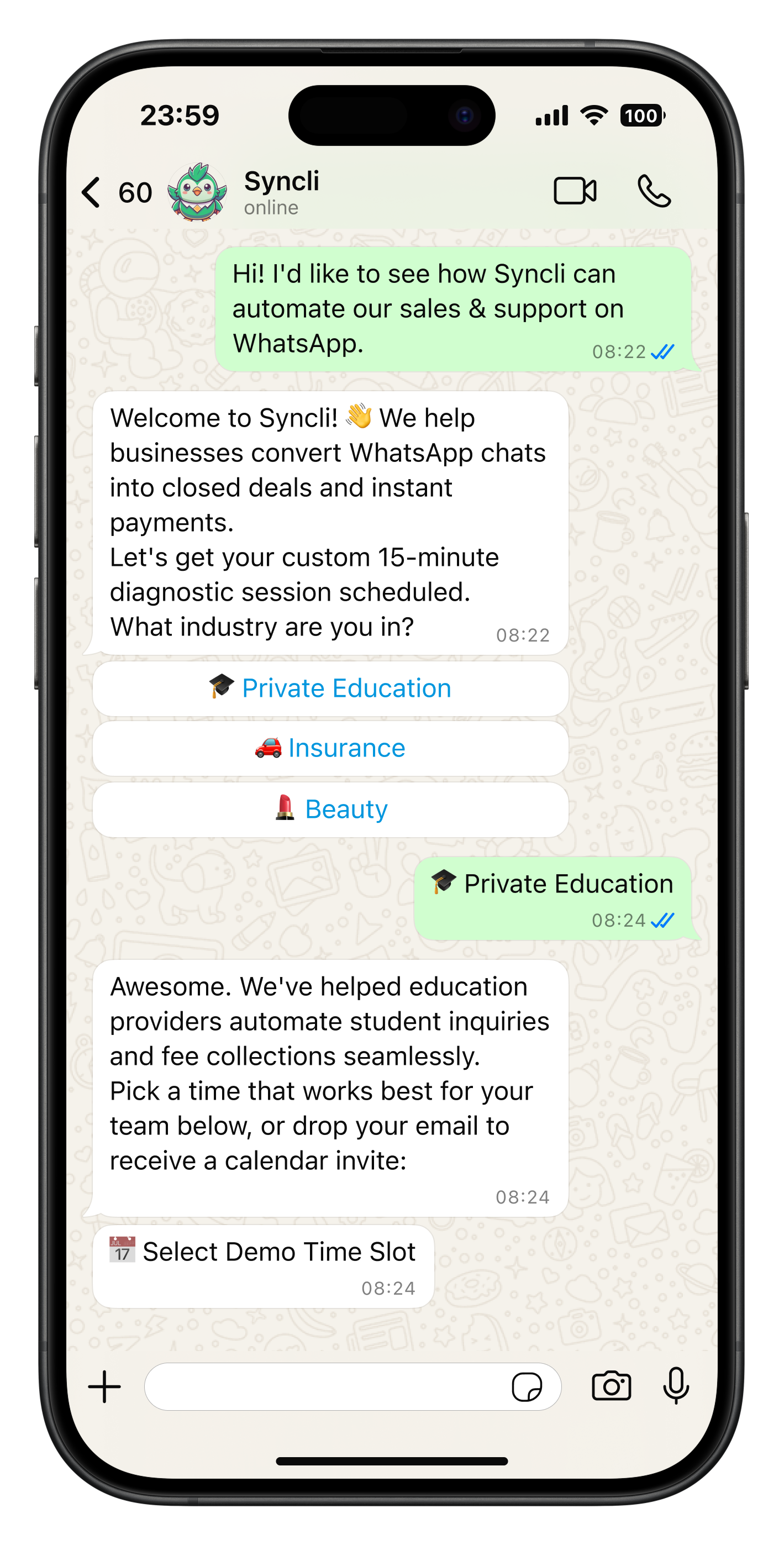
See how Syncli works for your industry.
Book a 30-minute call and we'll show you how to capture more leads, close more sales and support customers, all from WhatsApp.

- Personalised walkthrough
- Tailored to your industry
- No commitment
Compare Syncli
How does Syncli stack up?
 The old way