WhatsApp Business for Beauty
Book salon appointments, showcase treatment menus, and manage client follow-ups directly through WhatsApp.
Rebooking rate
Deposits in chat mean clients show up
Fewer no-shows
How salons and spas use Syncli
Take bookings and deposits in chat, cut no-shows and keep clients rebooking.
Never miss a booking.
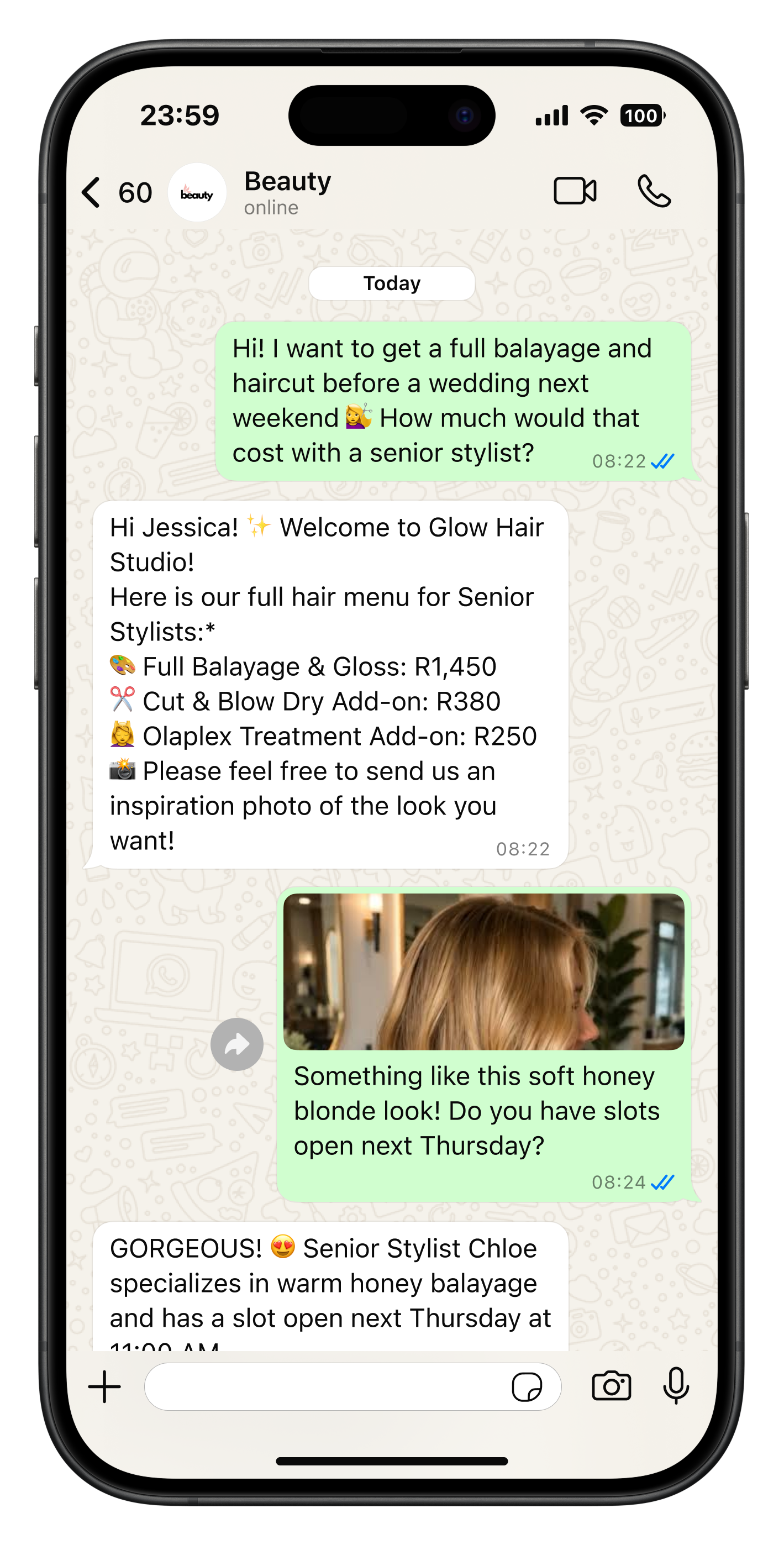
Never lose a potential booking while your stylists and therapists have their hands full. Automatically answer client questions about treatments, pricing menus, stylist availability, and patch-test requirements 24/7 without interrupting client sessions.
- Instant replies with services and prices
- Click-to-chat from Instagram and ads
- Clients saved to contacts
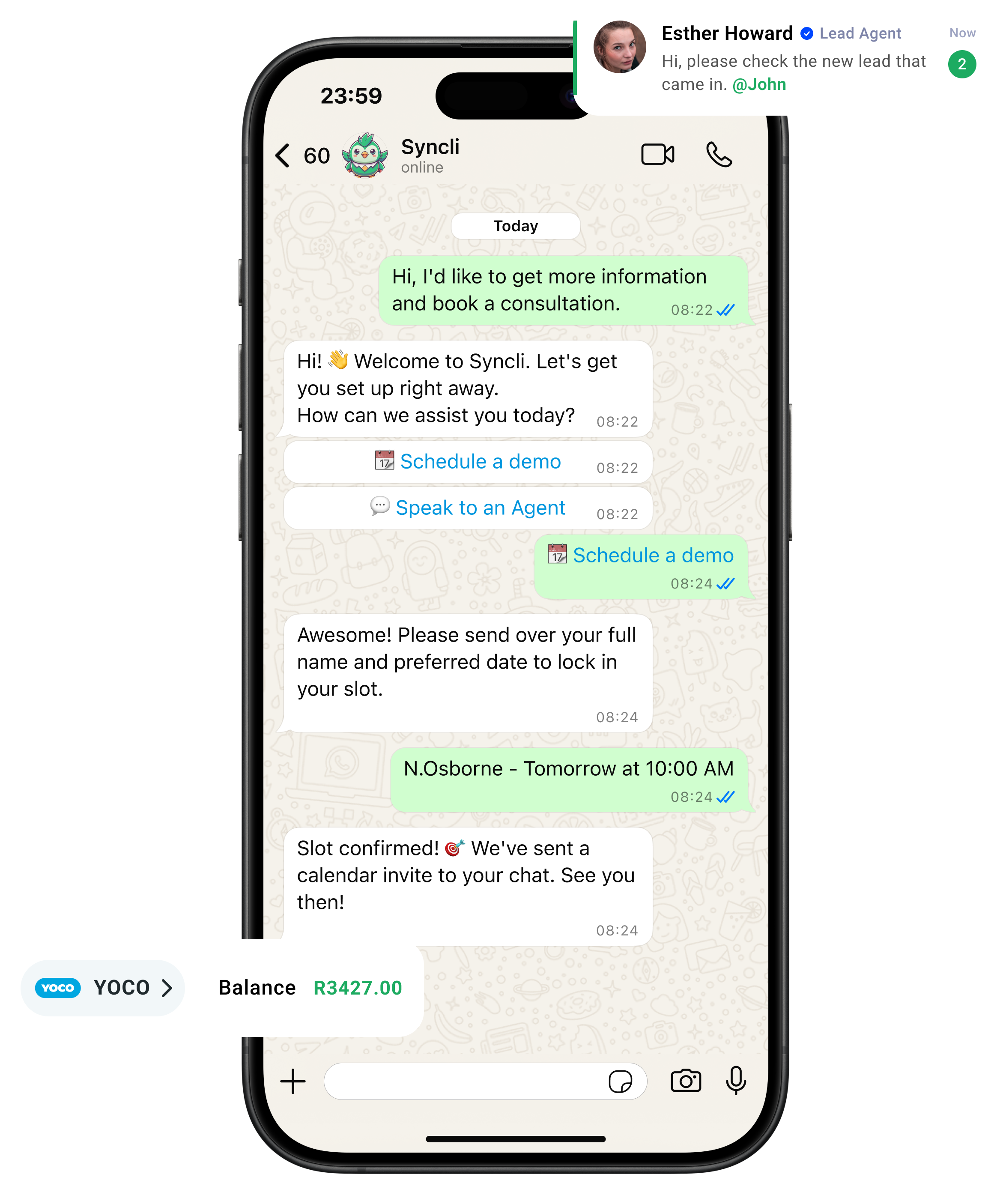
from chat to checkout
The shortest line between 'Hello' and 'Done.'
Your customers are already on WhatsApp, don't send them away to slow contact forms or email threads. Syncli keeps the entire journey inside the chat, making it seamless for leads to qualify, decide, and pay in seconds.

Clear up the chat chaos.
Replace scattered phones and delayed replies with one smart shared inbox. Let automated flows tackle repeat questions so your team can focus on personal, high-value conversations.
- Zero Lag: Reply in seconds, not hours.
- Seamless Handoffs: Route chats to the right agent.
- Full Context: See past interactions at a glance.
WhatsApp open rate

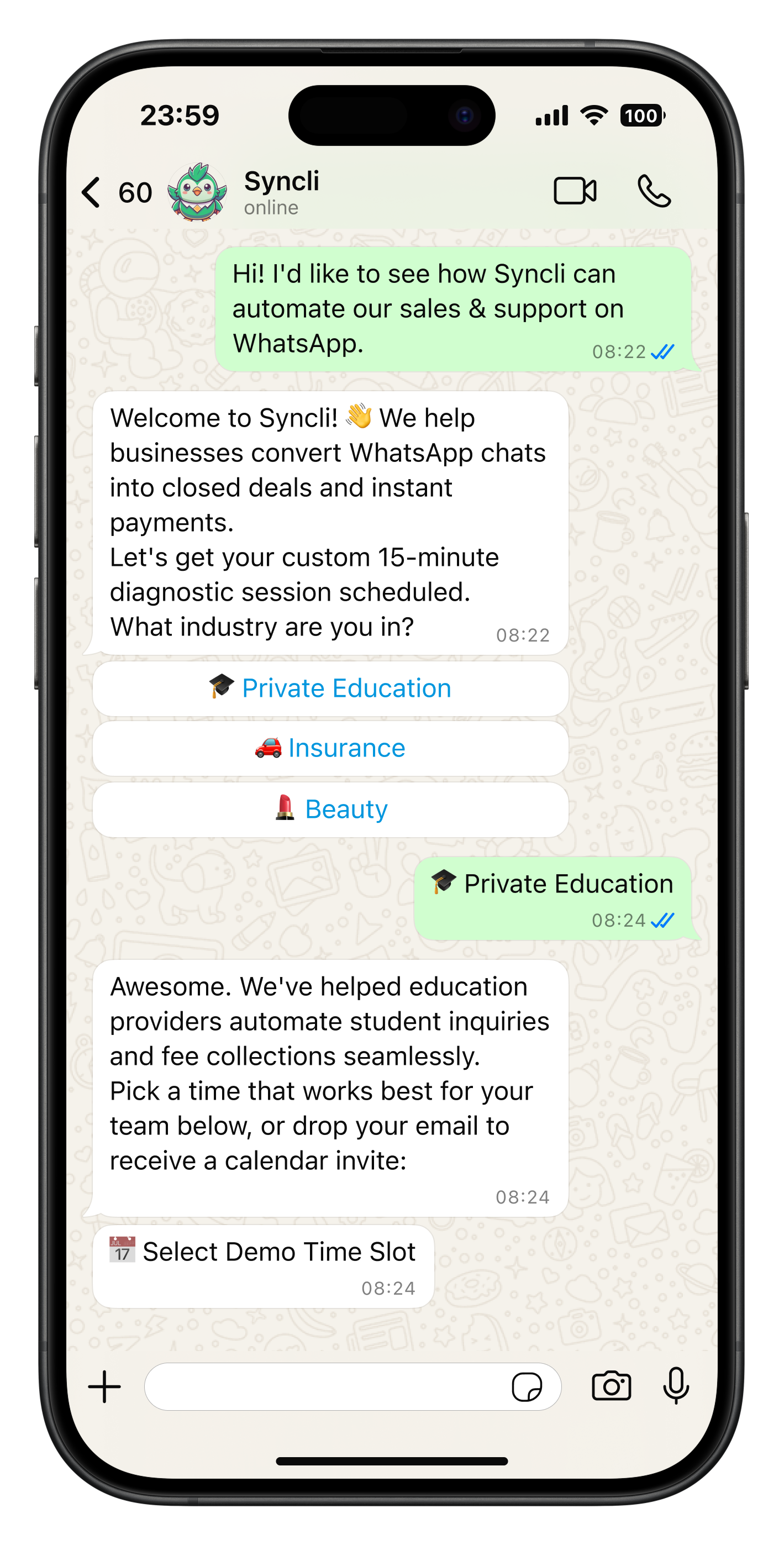
See how Syncli works for your industry.
Book a 30-minute call and we'll show you how to capture more leads, close more sales and support customers, all from WhatsApp.

- Personalised walkthrough
- Tailored to your industry
- No commitment
Compare Syncli
How does Syncli stack up?
 The old way