How to take bookings and deposits on WhatsApp (and cut no-shows)
Updated · 6 min read
If you run clinics, spa or salon groups, gyms or studios, WhatsApp is probably already where clients ask for bookings. The problem is the back-and-forth, multiplied across every location and staff calendar: "Do you have anything Thursday?", "What about 3pm?", "Can I pay when I get there?". Then some clients don't arrive.
You can handle the whole booking inside WhatsApp instead: clients pick a location, practitioner and slot, pay a deposit and get reminders automatically.
Why no-shows happen, and what helps
Missed appointments are common. A 2018 review of 105 healthcare studies found an average no-show rate of about 23%, and the highest rates were in Africa. The strongest predictors were bookings made far in advance and clients who had missed appointments before.
Reminders help. A Cochrane review found attendance rose from about 68% with no reminder to about 79% with text-message reminders. Those studies are from healthcare, but the lesson applies to any appointment: remind people, and give them an easy way to confirm or reschedule.
A deposit adds commitment. A client who has already paid is more likely to arrive, and if they don't, the deposit covers some of the lost slot.
How WhatsApp booking works
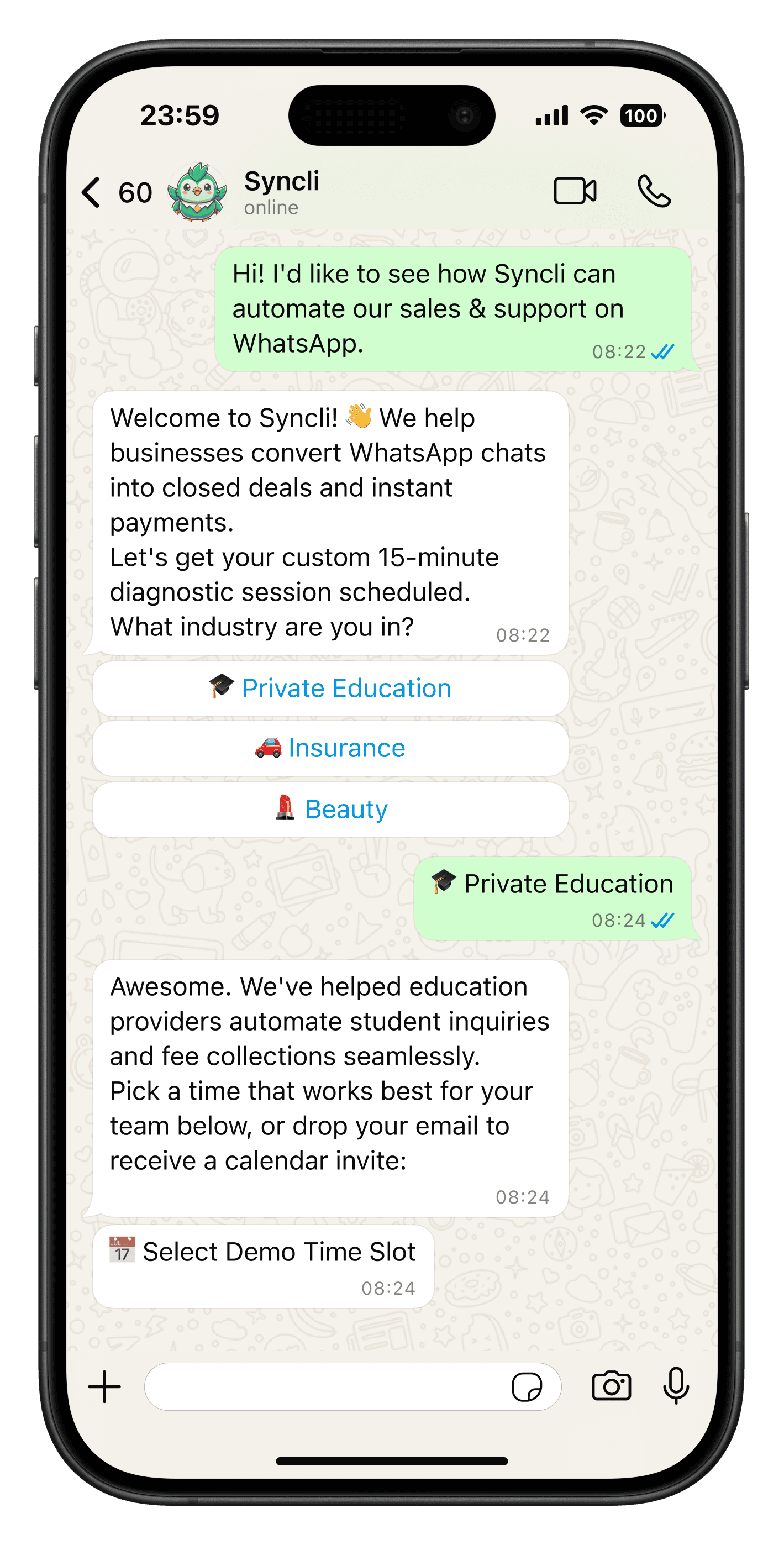
On the WhatsApp Business API, bookings run on WhatsApp Flows: forms that open inside the chat. Meta lists appointment booking as one of the main uses. A typical booking looks like this:
- The client messages you, or taps "Book" on a message or ad.
- A booking form opens in WhatsApp. They choose the location, service, staff member and an available slot.
- They receive a payment link for the deposit or full amount and pay by card or Instant EFT.
- The booking is confirmed automatically and appears in your calendar.
- Reminders go out before the appointment, with an option to confirm or reschedule.
Flows work on the WhatsApp mobile app for Android and iOS, but not on WhatsApp Web, so they're built for clients booking from their phones.
Taking deposits
WhatsApp doesn't have native payments in South Africa, so deposits are taken with a payment link from Yoco or Payfast. With Syncli the link is sent automatically as part of the booking, and the money goes straight into your own account. Our guide to accepting payments on WhatsApp compares the fees.
Set the deposit and cancellation rules up front, for example a 50% deposit that's refundable up to 24 hours before. Put them in the booking confirmation so nobody is surprised.
A real example: The Peace Lab
The Peace Lab is a Japanese Head Spa studio in Elsies River founded by Amber Trimm. Bookings ran through Fresha, but it couldn't take payments the way the studio needed, so every booking, reminder and payment follow-up was handled by hand.
The studio moved to Syncli's storefront, booking system, online payments and WhatsApp automation. Clients now book and pay in the same chat. The Peace Lab took payments from day one and completes 58% of the checkouts clients start. Read the full Peace Lab case study.
What WhatsApp reminders cost
Booking confirmations and reminders are sent as utility messages. In South Africa, Meta charges $0.0095 per utility message from 1 October 2026: roughly 17c at R18 to the dollar. Two reminders per booking cost about 34c, much less than one missed appointment. At 10,000 bookings a month, that's 20,000 reminders: $190, or about R3,420. See our WhatsApp API pricing guide for the full breakdown.
Getting set up
- List your locations, services, durations, prices and staff.
- Connect each location's staff calendars, so clients only see slots that are free.
- Decide your deposit and cancellation policy.
- Connect your WhatsApp Business number and a Yoco or Payfast account.
- Choose when reminders go out, for example 24 hours and 2 hours before.
- Share your WhatsApp booking link on Instagram, Google and your website.
Syncli is built for medical practices, beauty and salon groups, spas, gyms and fitness studios and other appointment businesses. Book a demo to see it set up for yours.
Frequently asked questions
Yes. With the WhatsApp Business API and a platform such as Syncli, clients open a booking form inside WhatsApp, choose a service, staff member and time slot, and get an automatic confirmation. It works on the WhatsApp mobile app for Android and iOS.