WhatsApp Business for Shopping Centre Kiosks
Keep selling after shoppers walk away: take orders, payments and repeat business on WhatsApp.
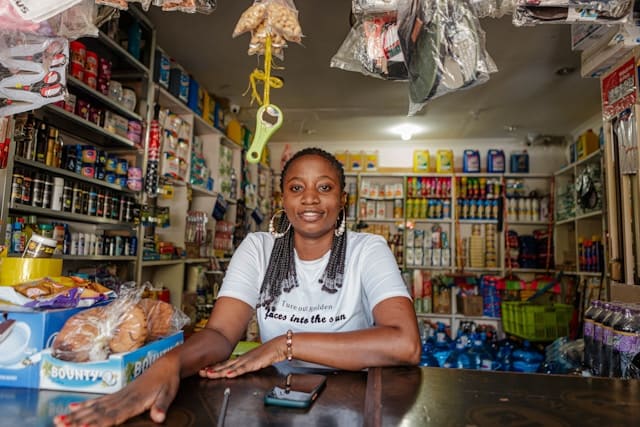
Repeat customers
Shoppers who save your WhatsApp number come back to buy again
More sales after hours
How kiosks and pop-up stores use Syncli
A small counter doesn't have to mean small sales. Turn passing shoppers into WhatsApp customers who buy again.
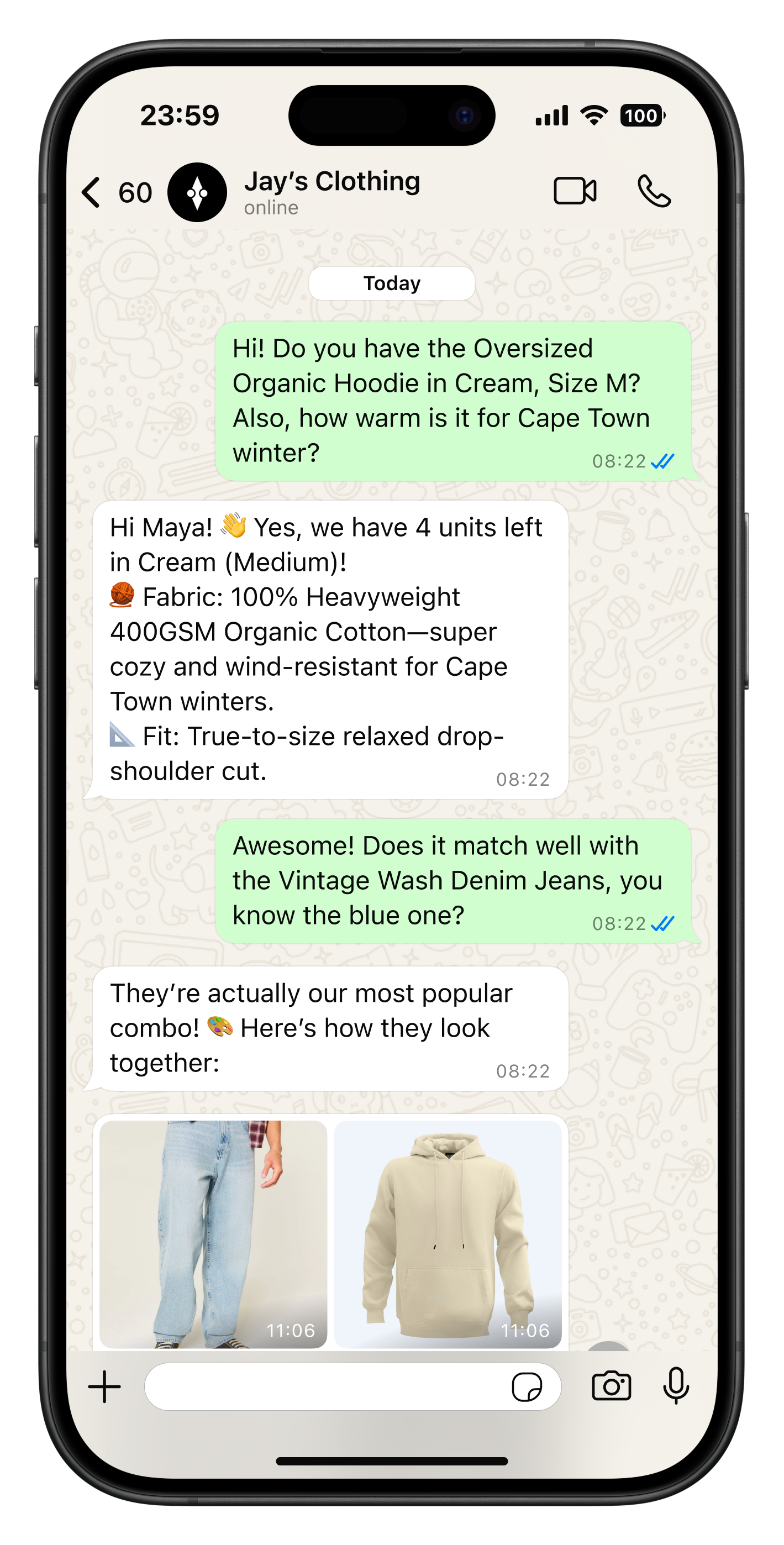
Every passer-by, a contact.
A QR code at your kiosk opens a WhatsApp chat with a welcome offer, so shoppers who don't buy today are still yours tomorrow.
- QR code to WhatsApp
- Automated welcome offers
- Shoppers saved to contacts

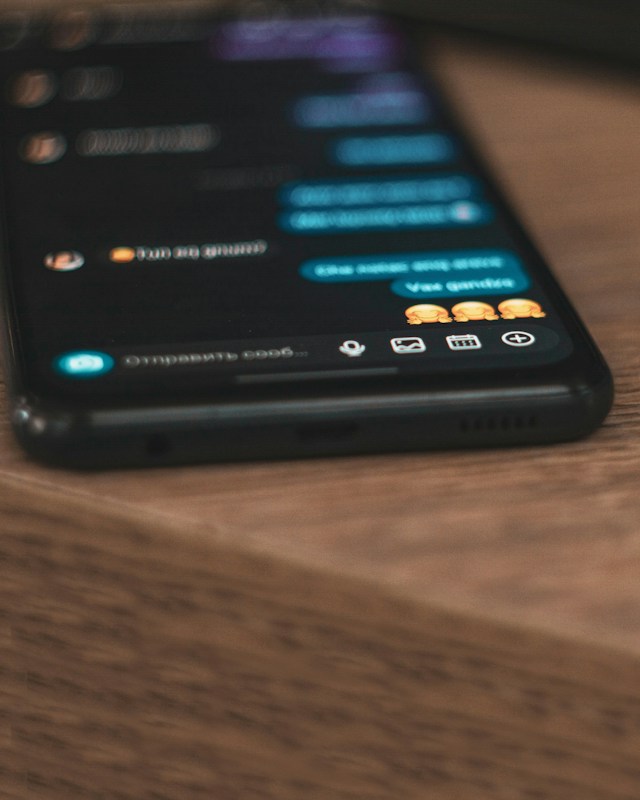
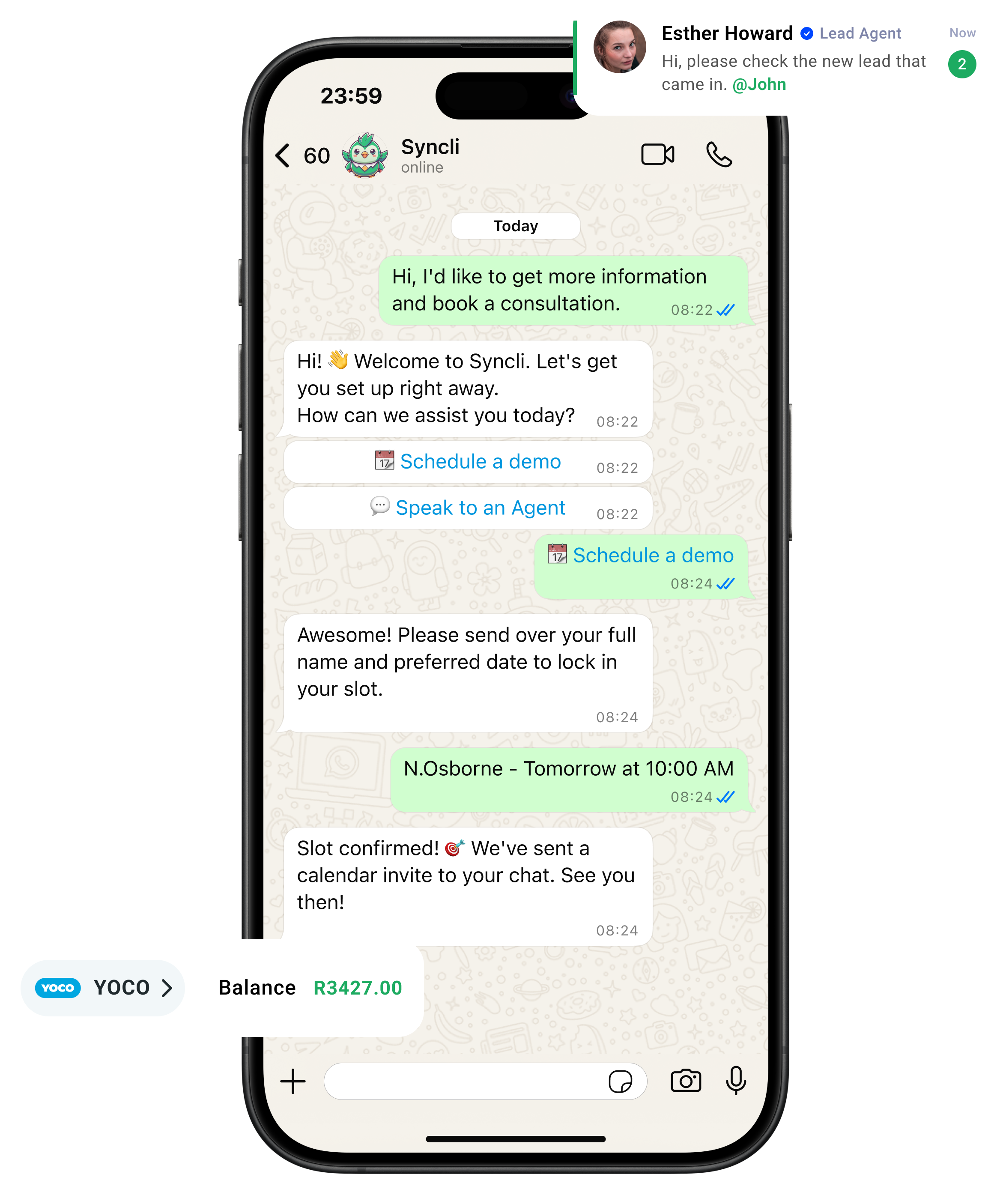
from chat to checkout
The shortest line between 'Hello' and 'Done.'
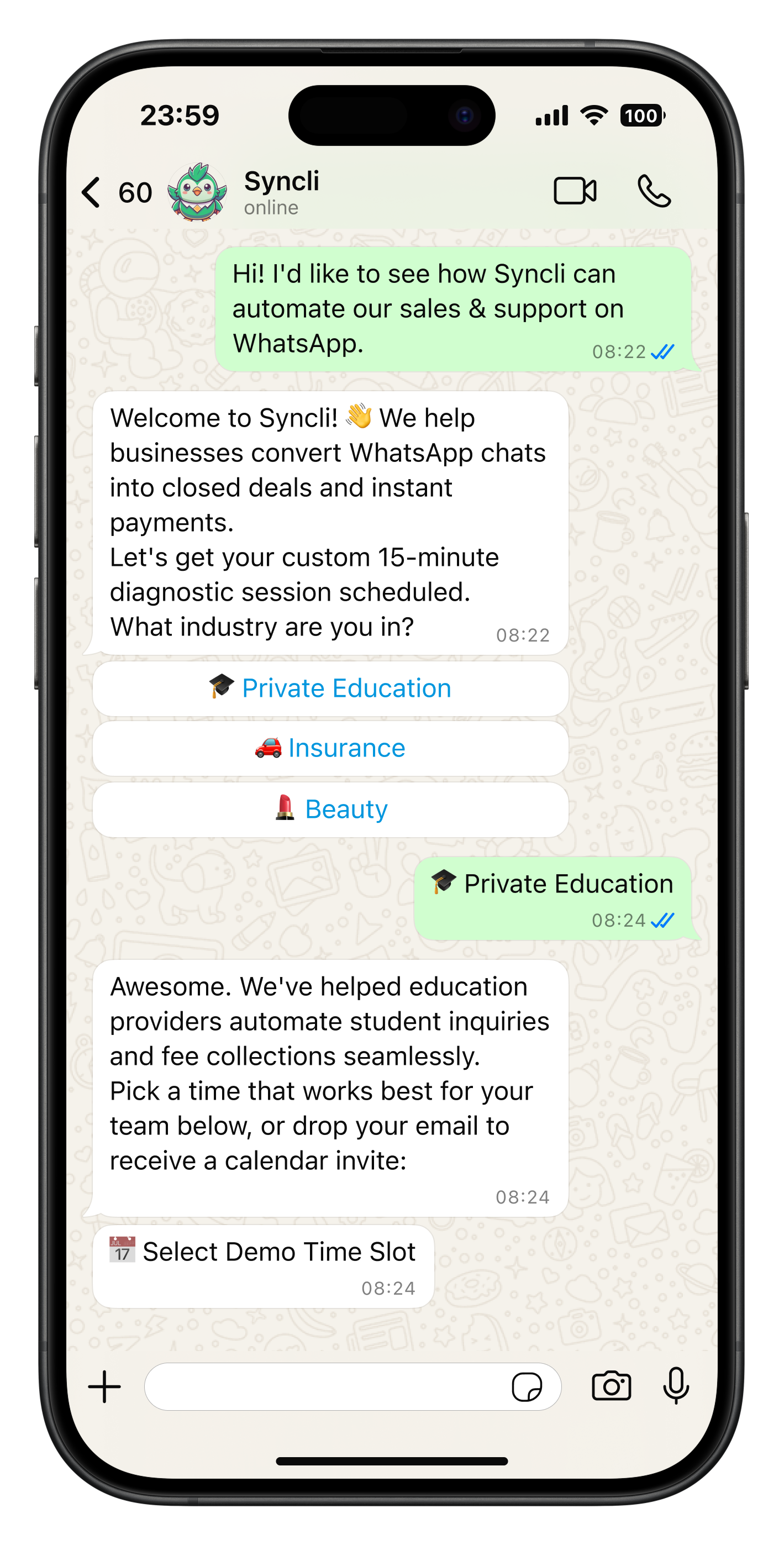
Your customers are already on WhatsApp, don't send them away to slow contact forms or email threads. Syncli keeps the entire journey inside the chat, making it seamless for leads to qualify, decide, and pay in seconds.

Clear up the chat chaos.
Replace scattered phones and delayed replies with one smart shared inbox. Let automated flows tackle repeat questions so your team can focus on personal, high-value conversations.
- Zero Lag: Reply in seconds, not hours.
- Seamless Handoffs: Route chats to the right agent.
- Full Context: See past interactions at a glance.
WhatsApp open rate

See how Syncli works for your industry.
Book a 30-minute call and we'll show you how to capture more leads, close more sales and support customers, all from WhatsApp.

- Personalised walkthrough
- Tailored to your industry
- No commitment
Compare Syncli
How does Syncli stack up?
 The old way